


CarryKit how-to
CarryKit Lanyard & Wrist Strap
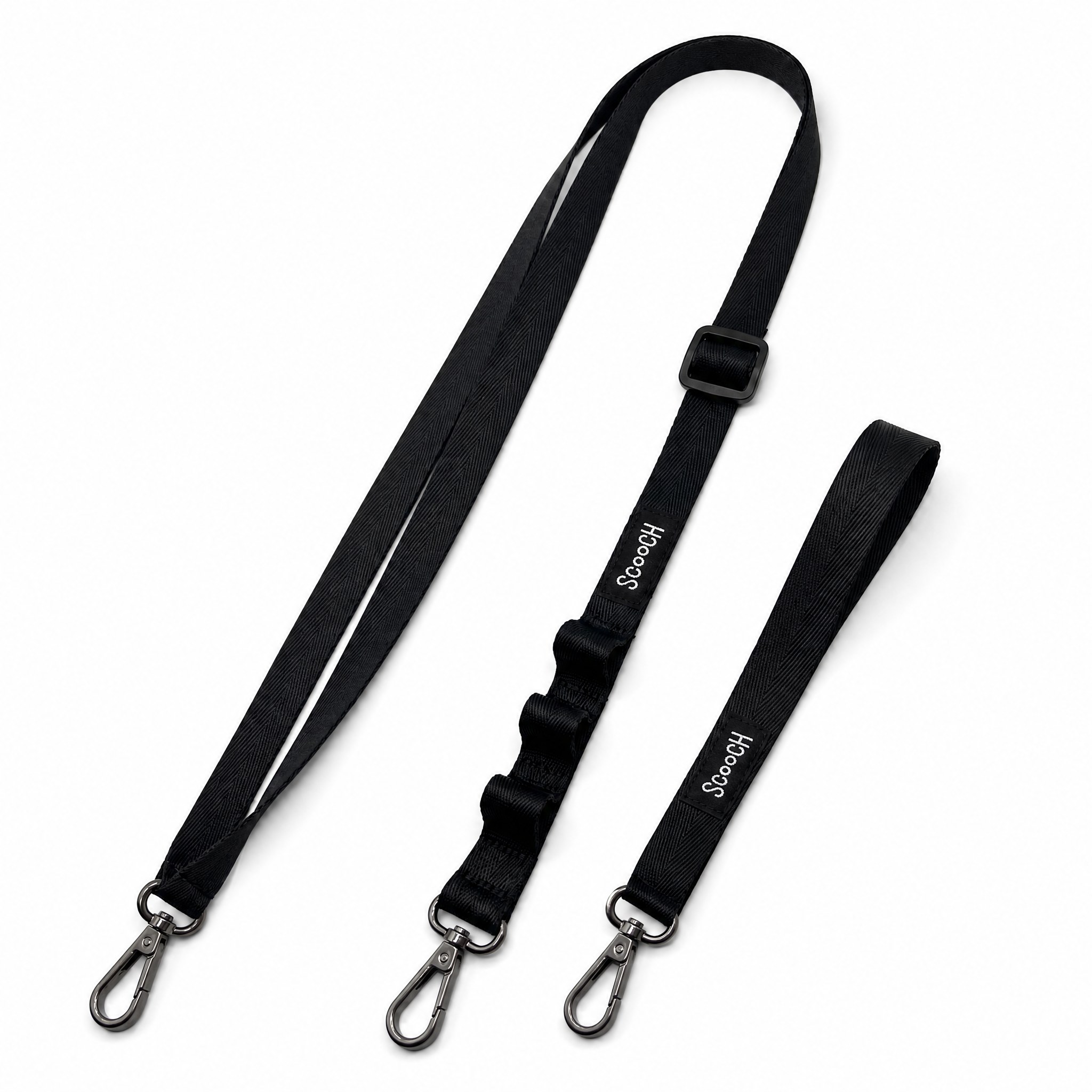
CarryKit lets you wear your phone with the included lanyard or wrist strap. Use the universal case attachment with any phone case, or use the Wingmate-only attachment when you’re installing it on a Wingmate case.

What’s in the box
- CarryKit lanyard
- Wrist strap
- Universal case attachment that works with any phone case
- Wingmate-only attachment with the cord toggle
Use This Attachment for Any Phone Case
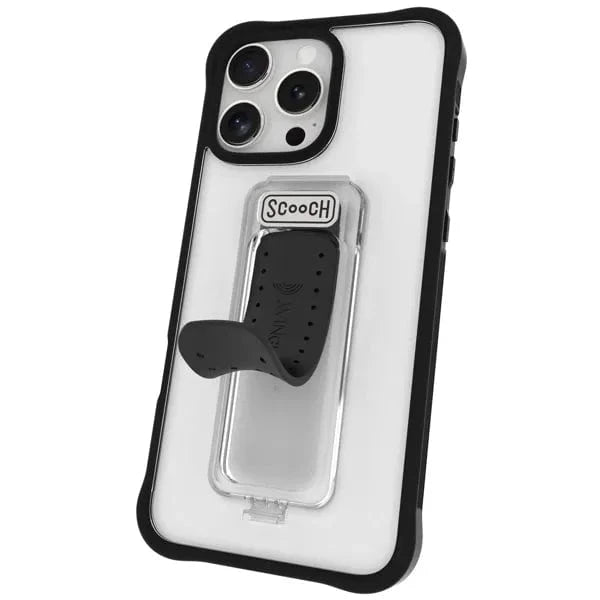
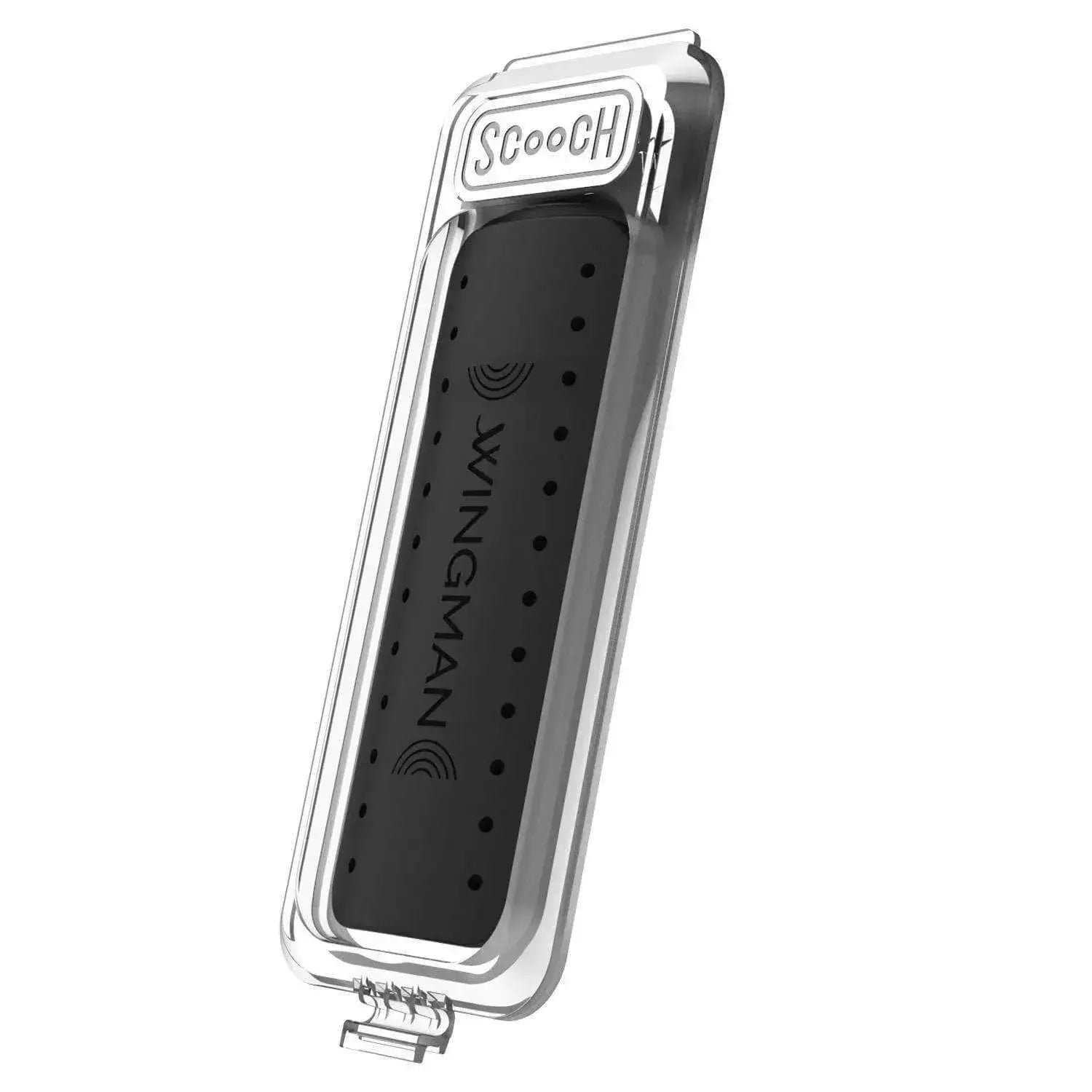
The universal attachment is the flat black tab and clasp. This attachment does not have a cord toggle.
- Detach the small clasp from the black tab.
- Place the tab inside your case so the thin end comes out through the charging-port cutout.
- Reattach the clasp on the outside of the case.
- Put your phone back in the case and make sure the tab stays flat inside.
- Clip on the lanyard or wrist strap.
Use This Attachment for Wingmate
The Wingmate-only attachment is the piece with the cord toggle. The toggle cord is only for the Wingmate adapter.
- Grab the packet labeled “Case attachment for Wingmate only.”
- Move the cord toggle down so it sits on top of the knot.
- Loop the attachment around the bottom flap of the Wingmate case.
- Pull the flap slightly open and seat the string into the small channel.
- Pull on the attachment so the string sits securely in the two holes on the back flap.
- Put your phone into the Wingmate case.
- Pull the cord toggle tight so the Wingmate attachment fits securely around the adapter.
- Clip on the lanyard or wrist strap.
Fit Tips
- The universal attachment works with any phone case by sitting inside the case and exiting through the charging-port cutout.
- Do not look for a cord toggle on the universal attachment; the toggle cord is only on the Wingmate-only attachment.
- For Wingmate, pull the toggle cord tight after the phone is in the case so the attachment feels secure.
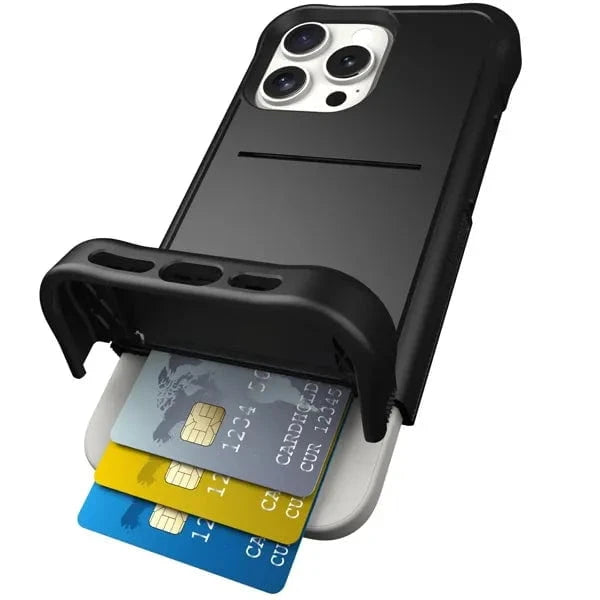
- The Wingmate attachment is designed so the lanyard stays attached when the wallet flap is open and does not block card access.
- The lanyard includes three key-ring loops for small essentials like keys or headphones.
FAQ
Will CarryKit work with my phone case?
Yes. The universal case attachment works with any phone case by sliding inside the case and coming out through the charging-port cutout.
Which attachment should I use for Wingmate?
Use the packet labeled “Case attachment for Wingmate only.” It has the cord toggle and is made to fit around the Wingmate flap so you can still access cards.
Does the universal attachment have a toggle cord?
No. The toggle cord is only on the Wingmate-only attachment. The universal attachment is the flat black tab and clasp.
Can I use the lanyard and wrist strap interchangeably?
Yes. Clip whichever strap you want to use onto the installed attachment, then make sure the clip is fully closed before carrying your phone.