


Cases guide
CrystalCase
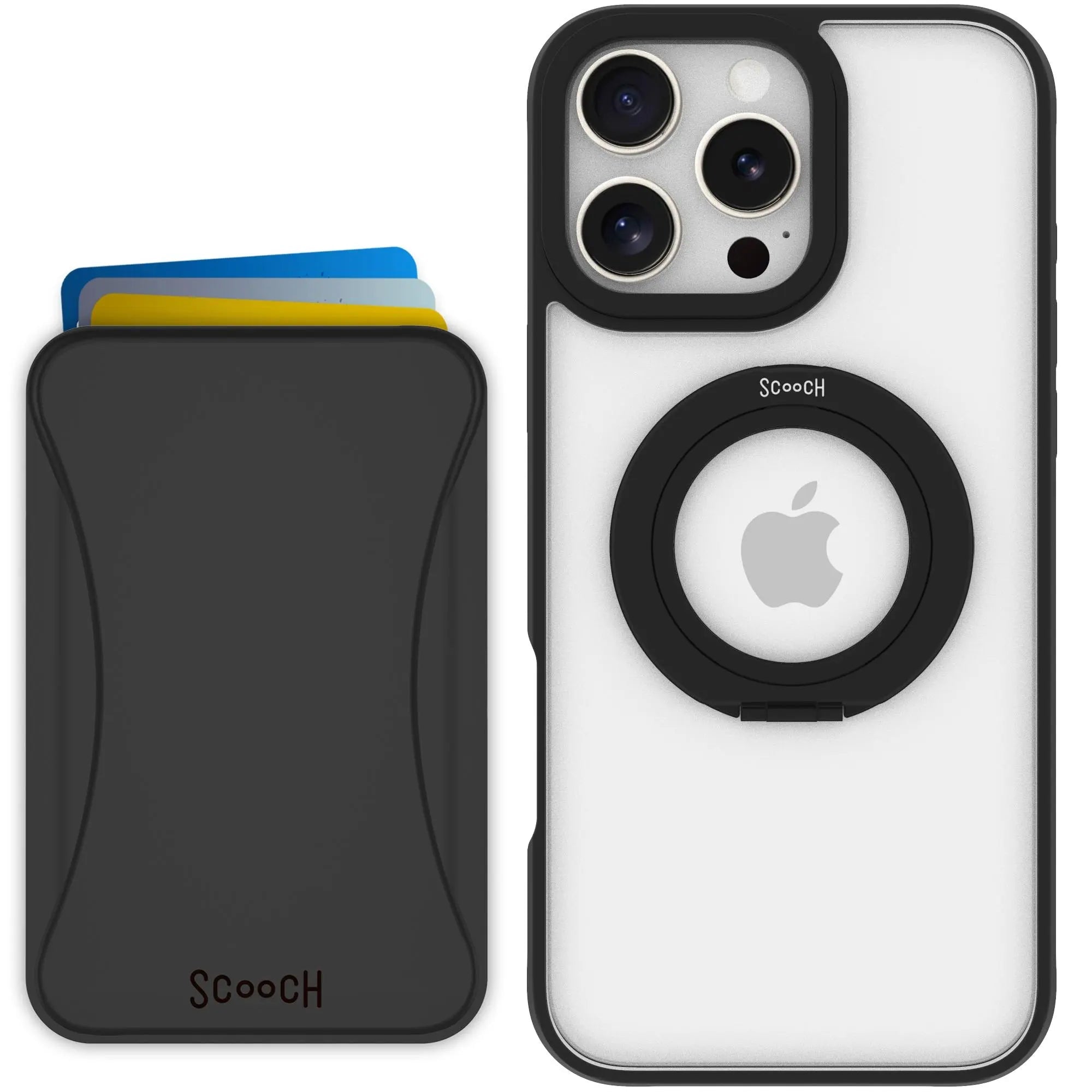
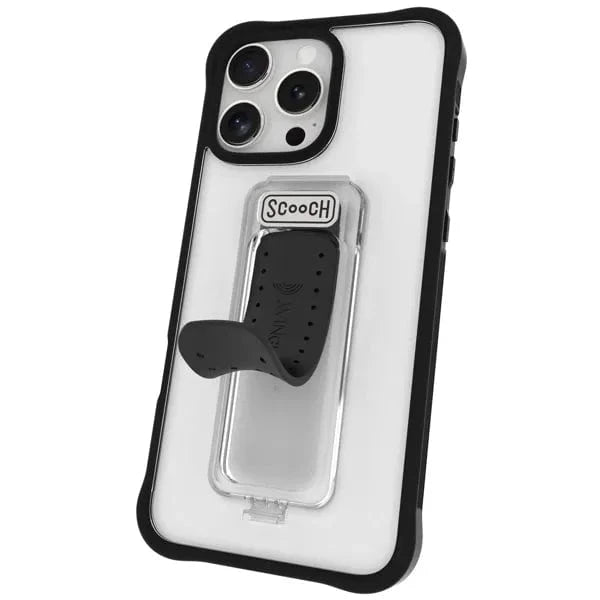
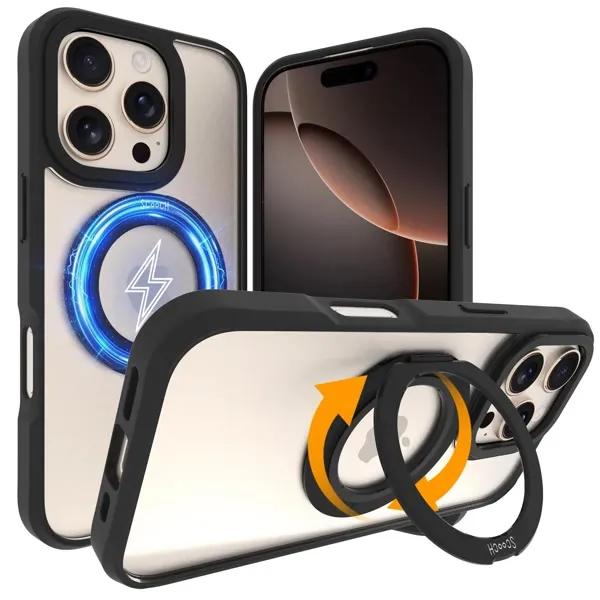
Install the clear protective CrystalCase and keep your phone covered without extra wallet or grip hardware.

Before you start
- Confirm the case is the correct phone size.
- Clean the phone before inserting it.
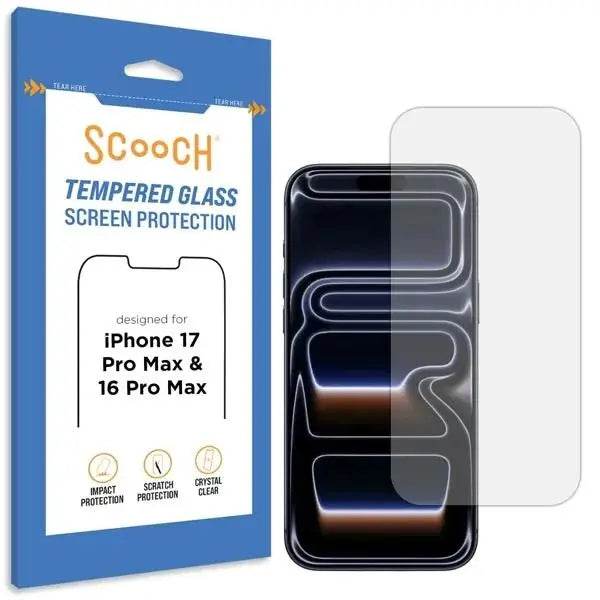
- Install any screen protector before final case fit if included.
How to use it
- Place one side of the phone into the case.
- Press each corner until the phone is fully seated.
- Check buttons, camera opening, and charging port alignment.
Good to know
- CrystalCase is the simplest clear Scooch case option.
- It is protective without a built-in stand or wallet.
- Use a soft cloth to keep the clear finish looking clean.
Need a different guide? Go back to the Scooch how-to hub and search by product name or QR code.