


Scooch JuiceBank Go - How-To Video

Power guide

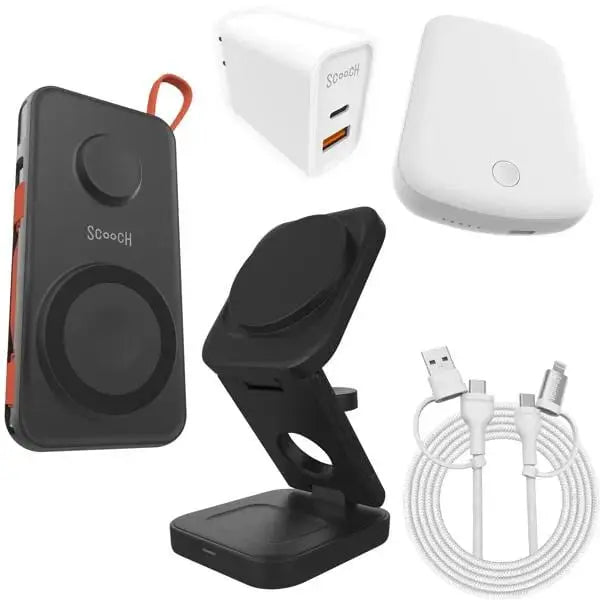
JuiceBank Go

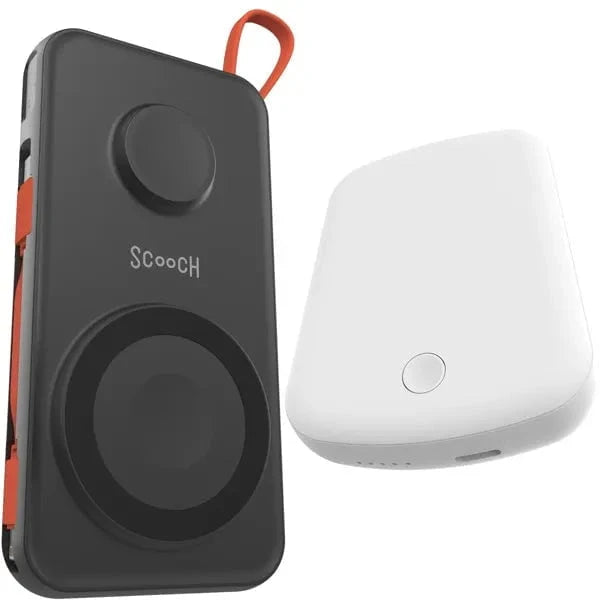
Use JuiceBank Go as a compact 10,000 mAh MagSafe power bank for wireless and USB-C charging.

Scooch JuiceBank Go MagSafe power bank

Before you start

  • Charge JuiceBank Go before first use.
  • Remove thick non-MagSafe cases before wireless charging.
  • Use USB-C for wired input or output when needed.

How to use it

  1. Press the power button to wake the battery.
  2. Attach your phone to the MagSafe side or plug in with USB-C.
  3. Check the LED indicators for remaining battery level.

Good to know

  • Can charge two devices when using wireless and wired output.
  • Low power mode is helpful for smaller accessories.
  • Wireless alignment matters for efficient charging.

Need a different guide? Go back to the Scooch how-to hub and search by product name or QR code.