









Power guide
JuiceCord 4-in-1
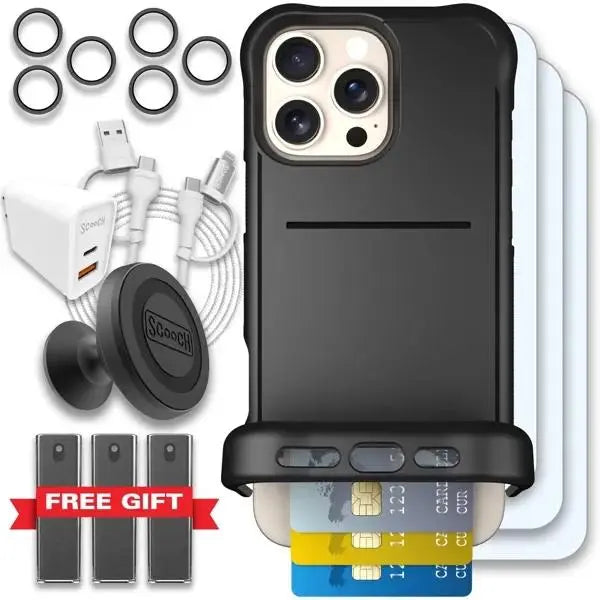
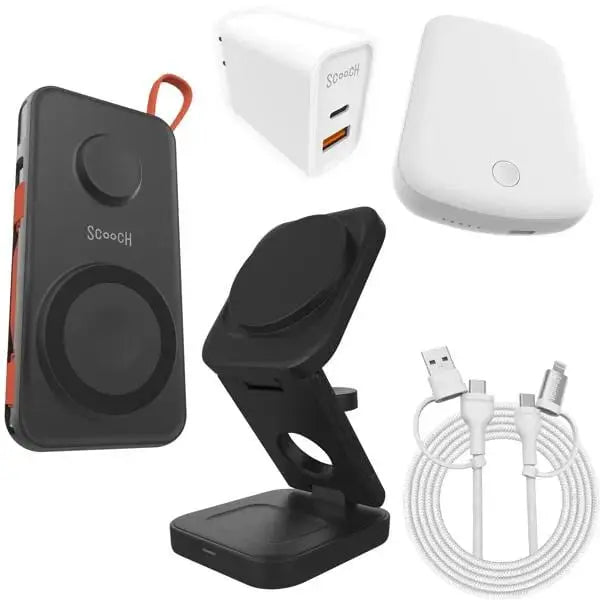
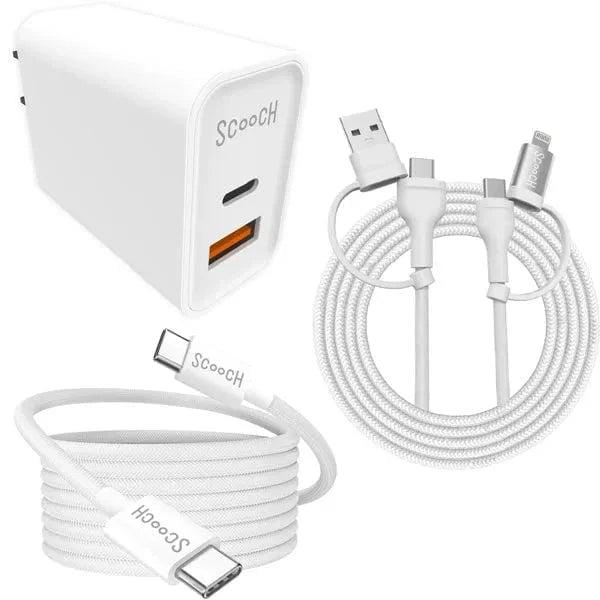
Use JuiceCord 4-in-1 to switch between USB-A, USB-C, and Lightning charging setups with one braided cable.

Choose your connection
- Select one of the four combinations: USB-A to USB-C, USB-C to USB-C, USB-C to Lightning, or USB-A to Lightning.
- Seat each attached adapter fully before connecting your charger and device.
- Use the strap to wrap the cable for storage. Keep the adapters on their built-in lasso.