





Power guide
JuiceDock
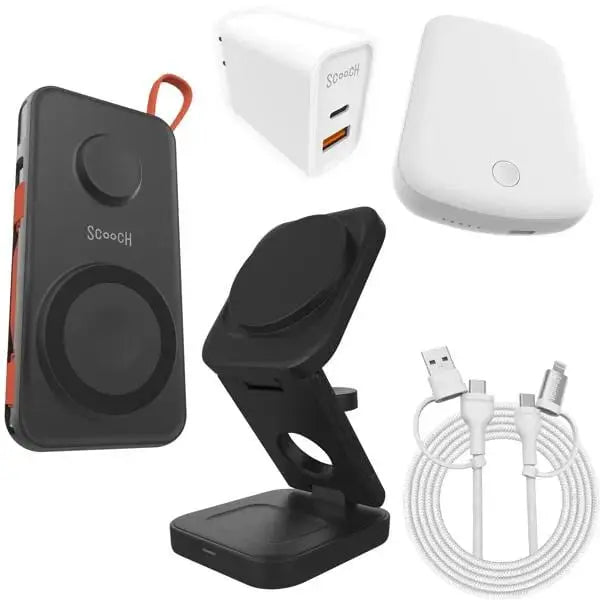
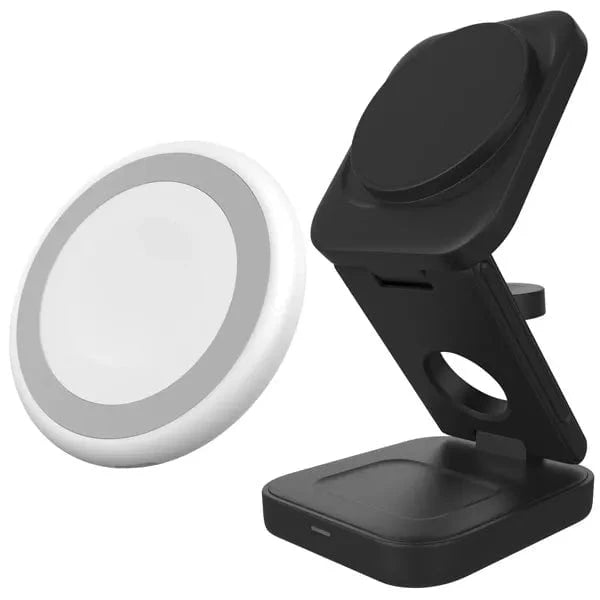
Set up JuiceDock for charging iPhone, Apple Watch, and AirPods from one folding dock.

Set up JuiceDock
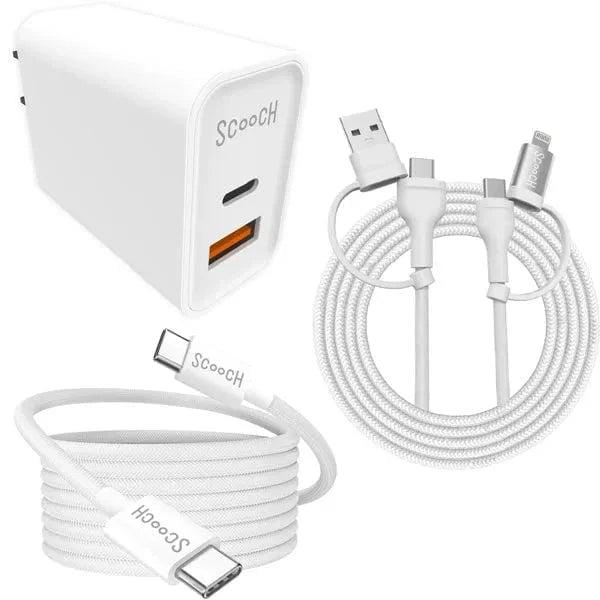
- Unfold the dock and connect the included USB-C cable to a compatible wall adapter.
- Place your MagSafe-compatible phone on the phone pad.
- Place your Apple Watch and compatible AirPods on their charging areas.
- Fold the dock before packing it for travel.