

Power guide

JuicePlug

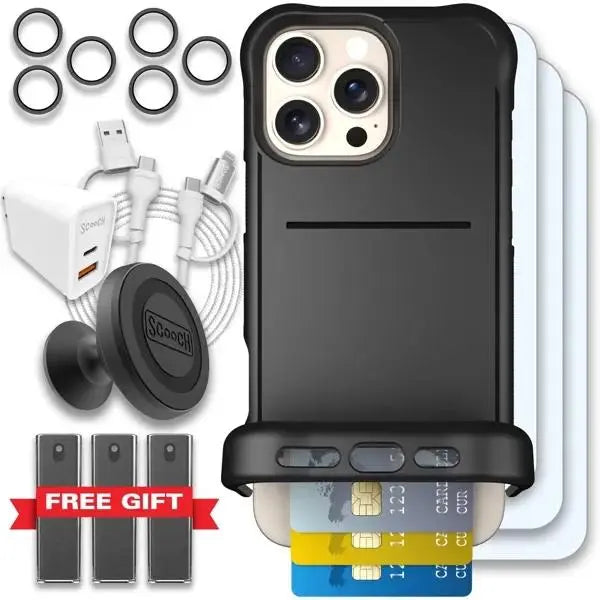
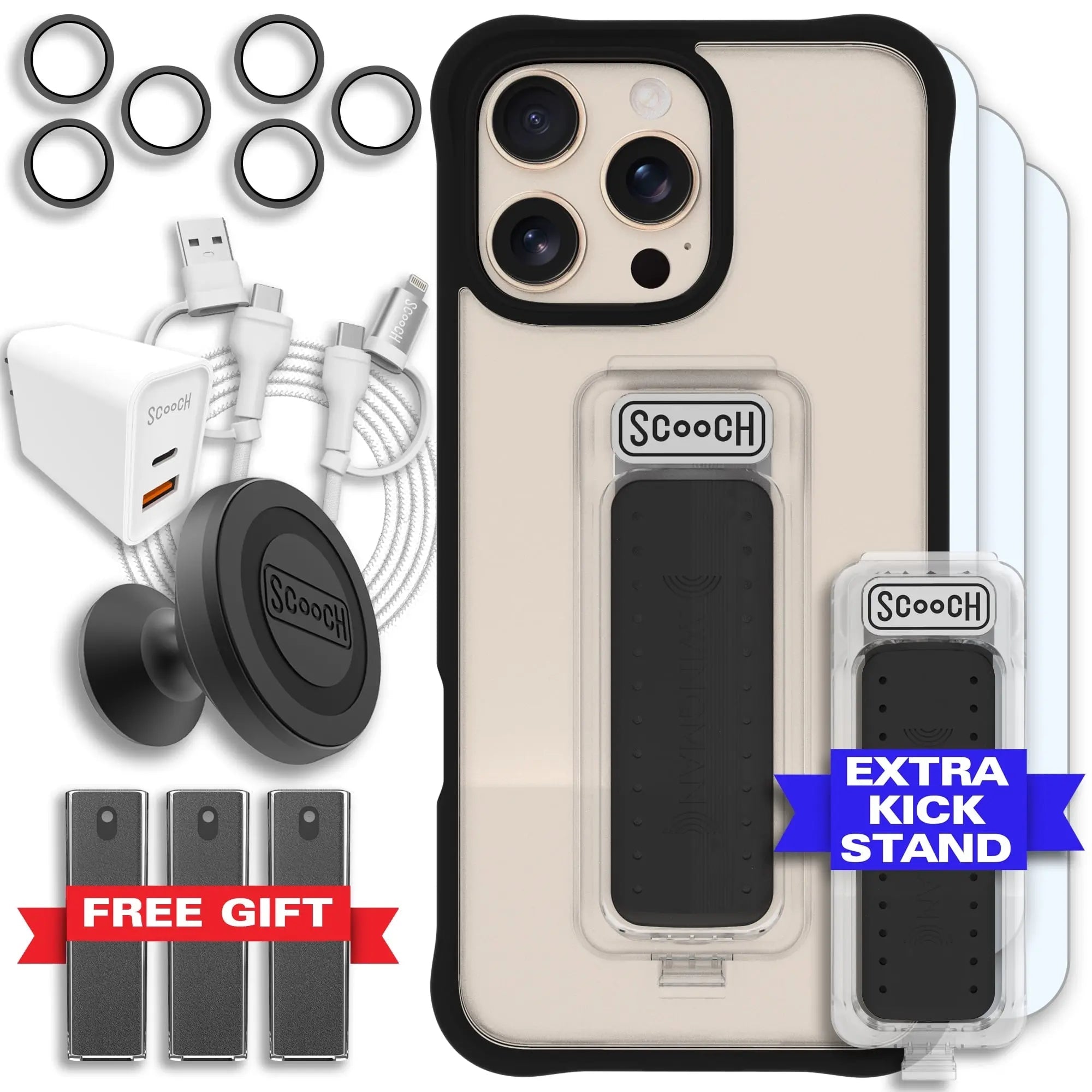
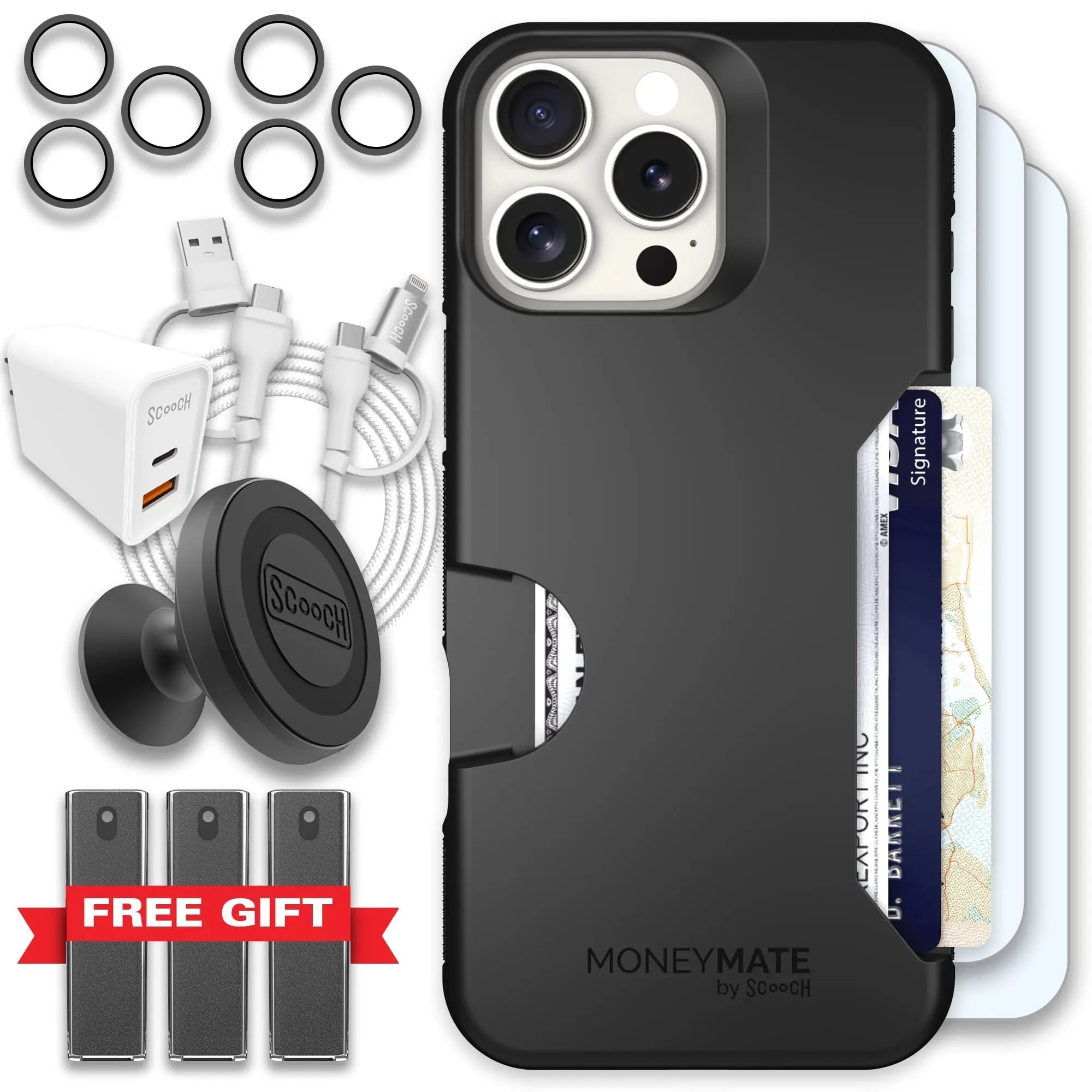
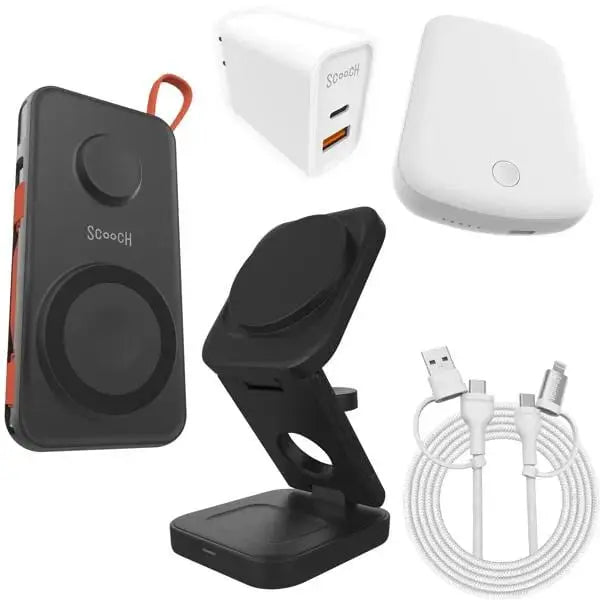
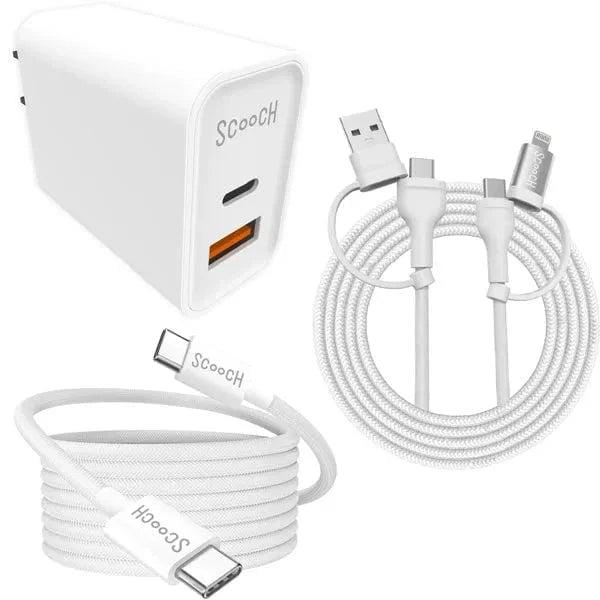
Use JuicePlug as a compact wall charger with USB-C and USB-A ports for everyday charging.

Scooch JuicePlug 20W wall charger

Before you start

  • Check that the outlet is secure.
  • Use a cable that matches your device.
  • Avoid using damaged cables.

How to use it

  1. Plug JuicePlug into the wall outlet.
  2. Connect your cable to the USB-C or USB-A port.
  3. Unplug from the wall when traveling or packing.

Good to know

  • USB-C is the best choice for fast charging compatible devices.
  • Using both ports at once can split available power.
  • Keep the prongs clean and dry.

Need a different guide? Go back to the Scooch how-to hub and search by product name or QR code.