



Power guide
JuicePuck
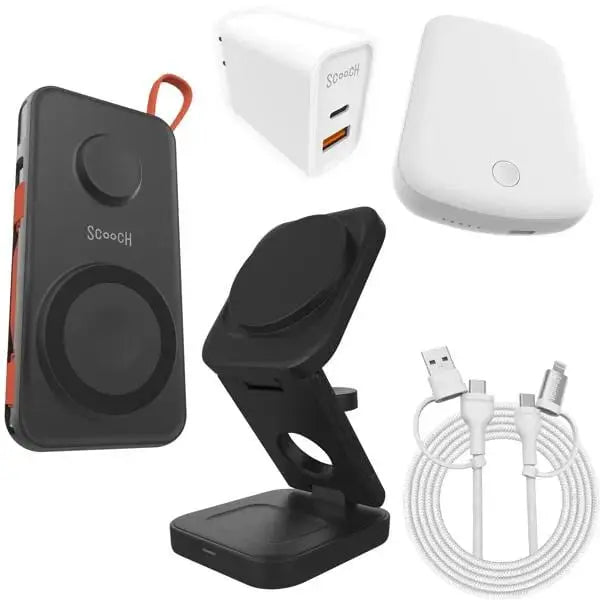
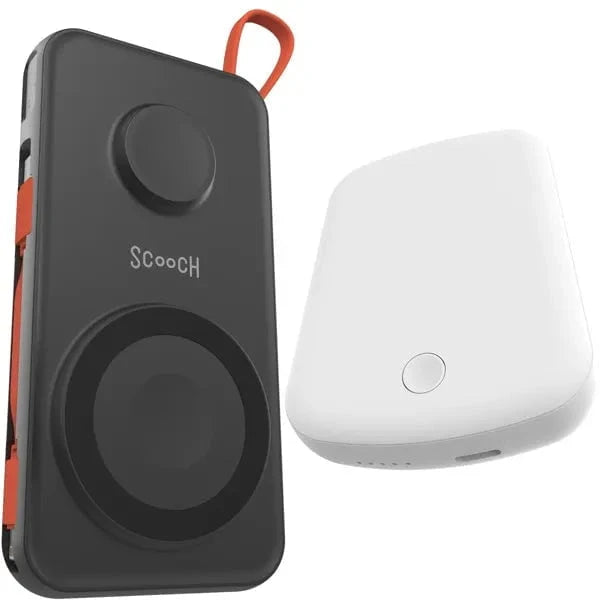
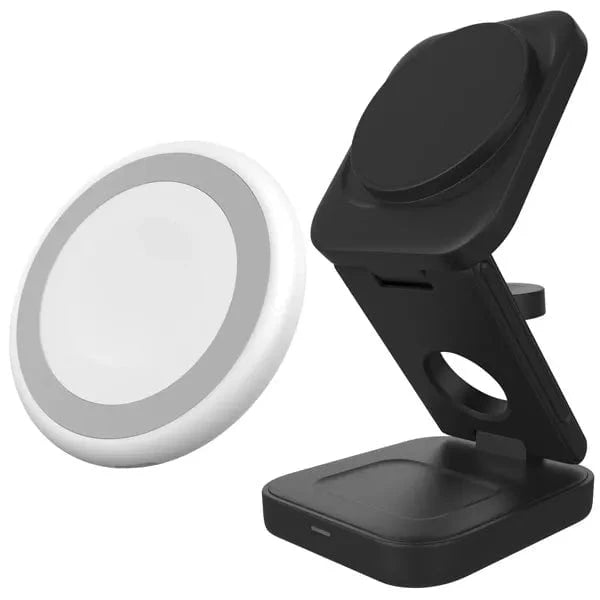
Use JuicePuck as a compact 3-in-1 charger for phone, watch, and earbuds.

Set up JuicePuck
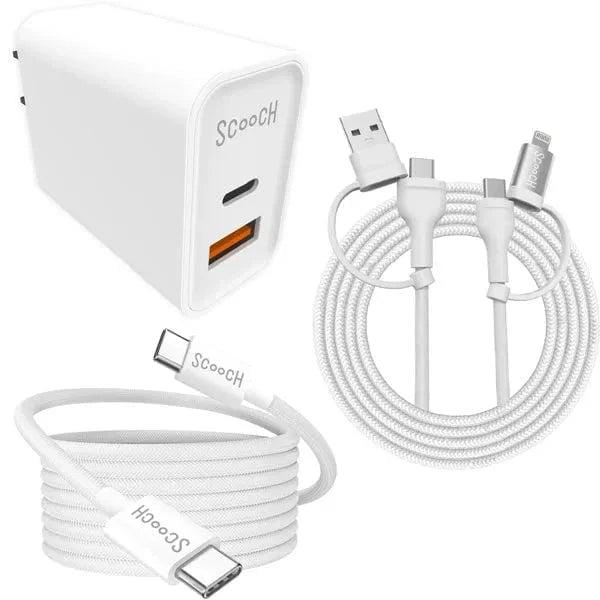
- Connect the included USB-C cable to a compatible power adapter.
- Place your MagSafe-compatible phone, Apple Watch, and compatible AirPods on their charging areas.
- If a device does not begin charging, lift it and center it again.