


Mounts guide
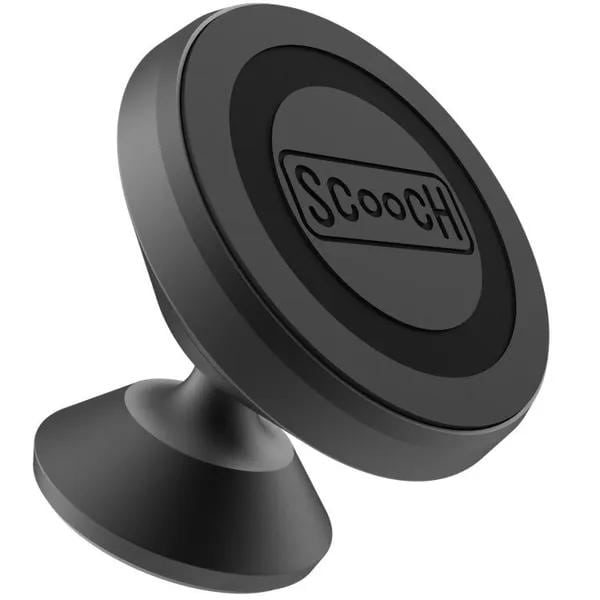
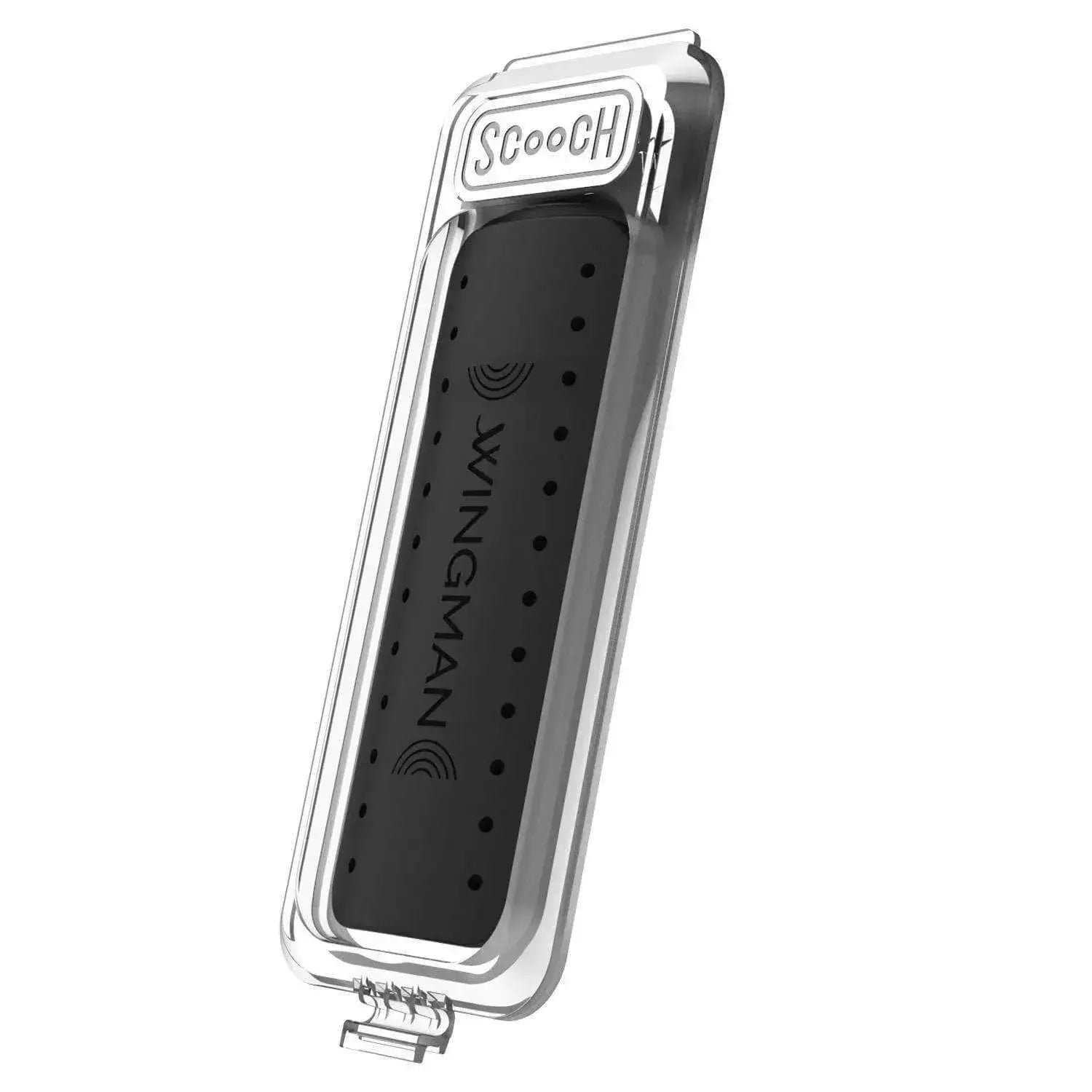
MagMount Flat
Install MagMount Flat on a smooth flat surface for a low-profile MagSafe mounting spot.

Install MagMount Flat
- Choose a flat, smooth, shiny plastic spot on your car dashboard. Avoid leather or faux leather, textured or rough surfaces, and curved areas.
- Clean the spot and let it dry completely. Check the viewing position before removing the adhesive backing.
- Peel off the backing, press the mount firmly onto the dashboard, and hold it for 15 seconds.
- Let the adhesive sit for 30 minutes before attaching your phone.
Phone compatibility
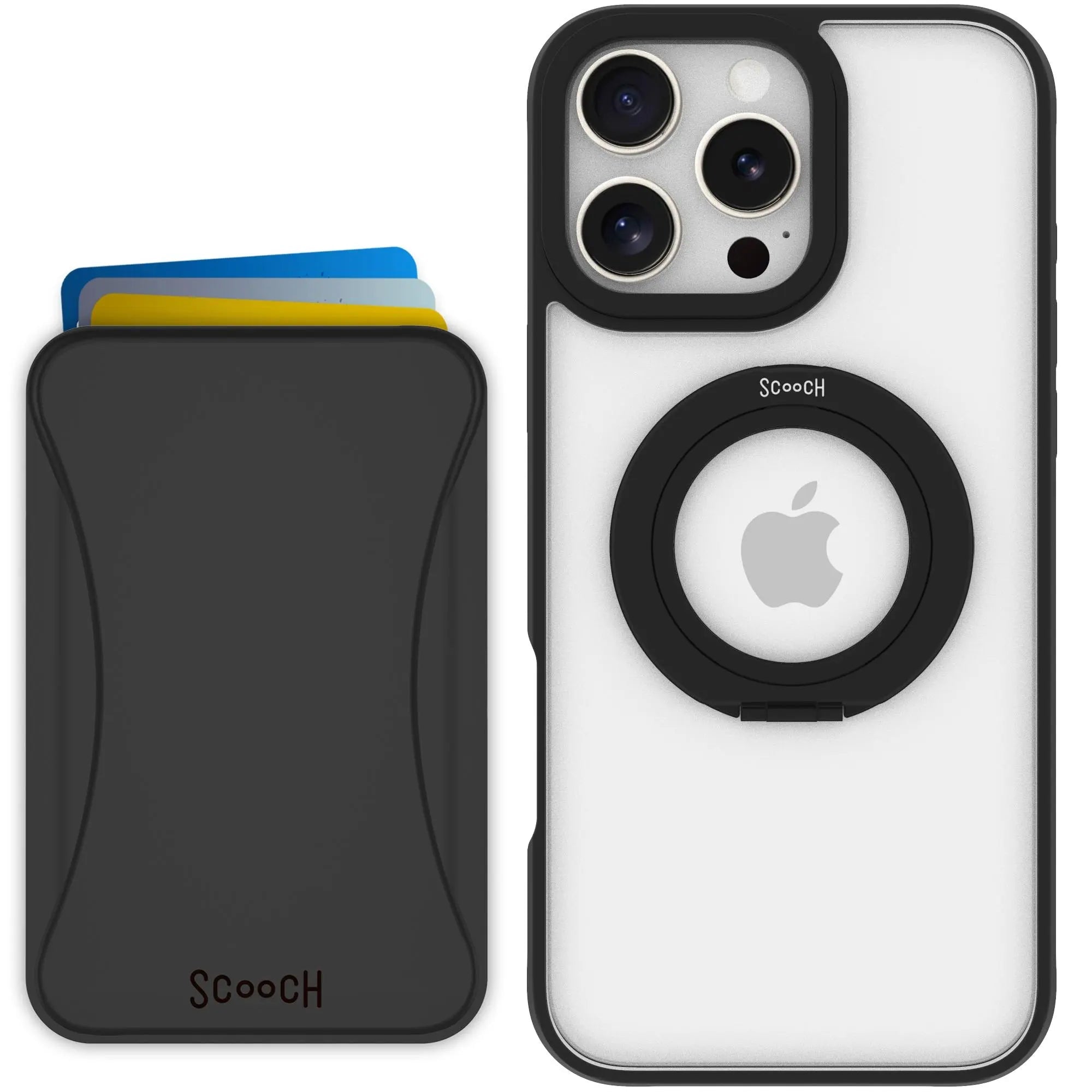
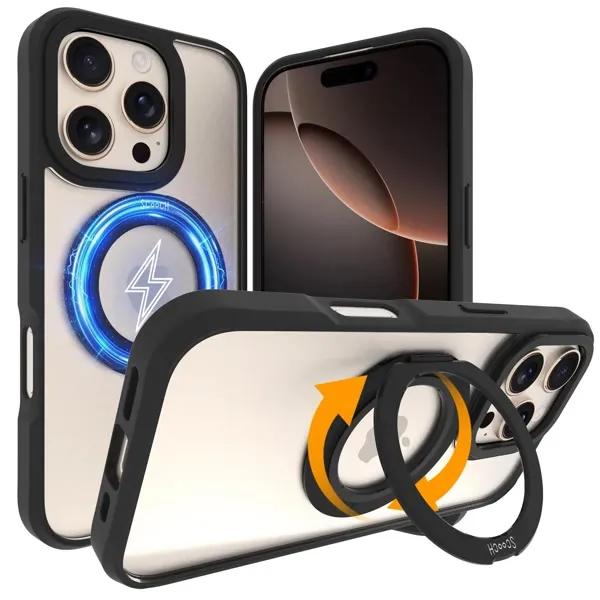
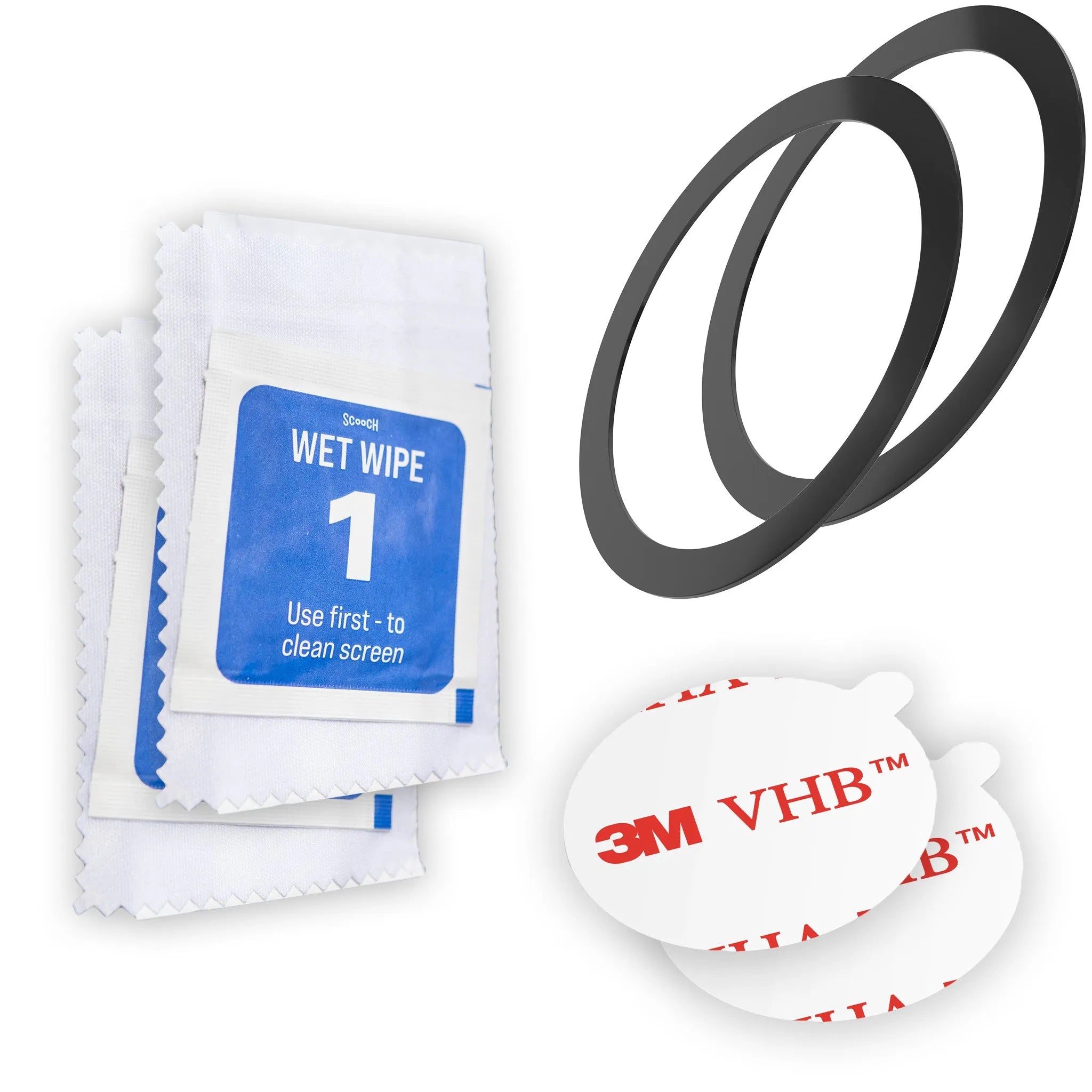
Attach a MagSafe-compatible phone or case directly. If your case is not MagSafe-compatible, use the included ring adapter.