


Grips guide
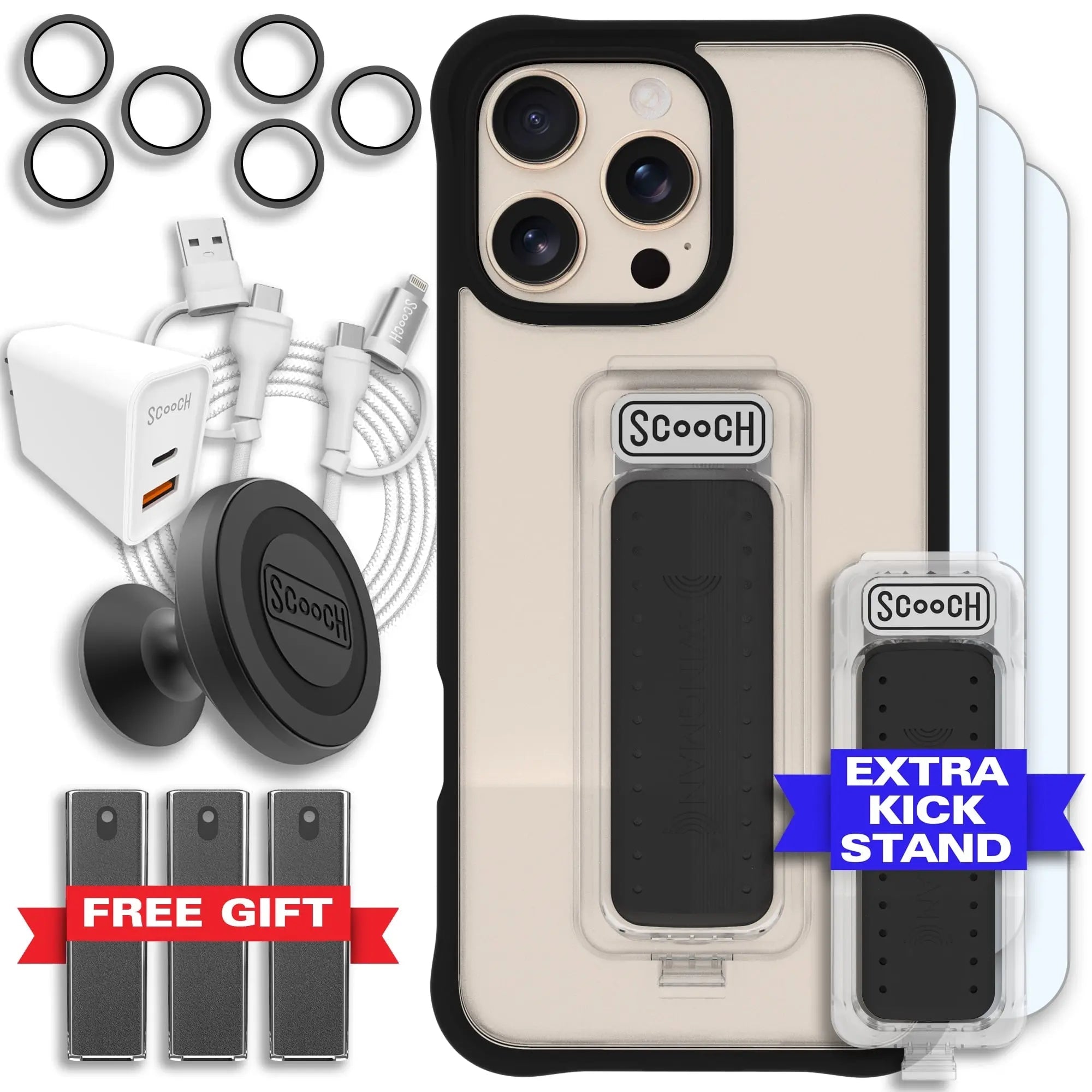
Replacement Clickstand
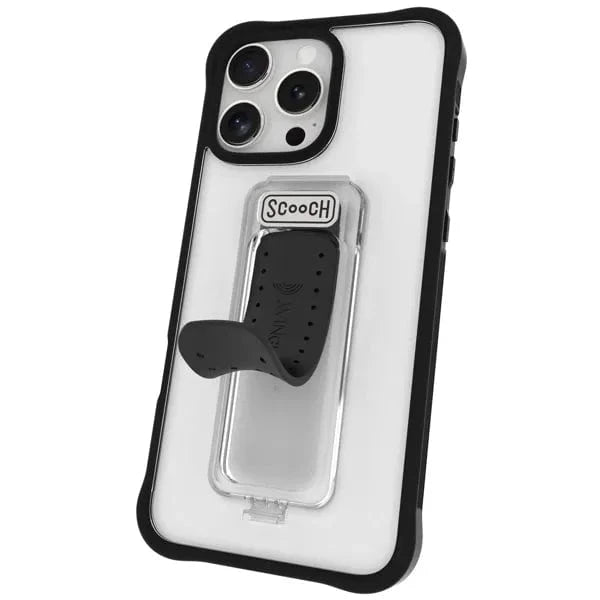
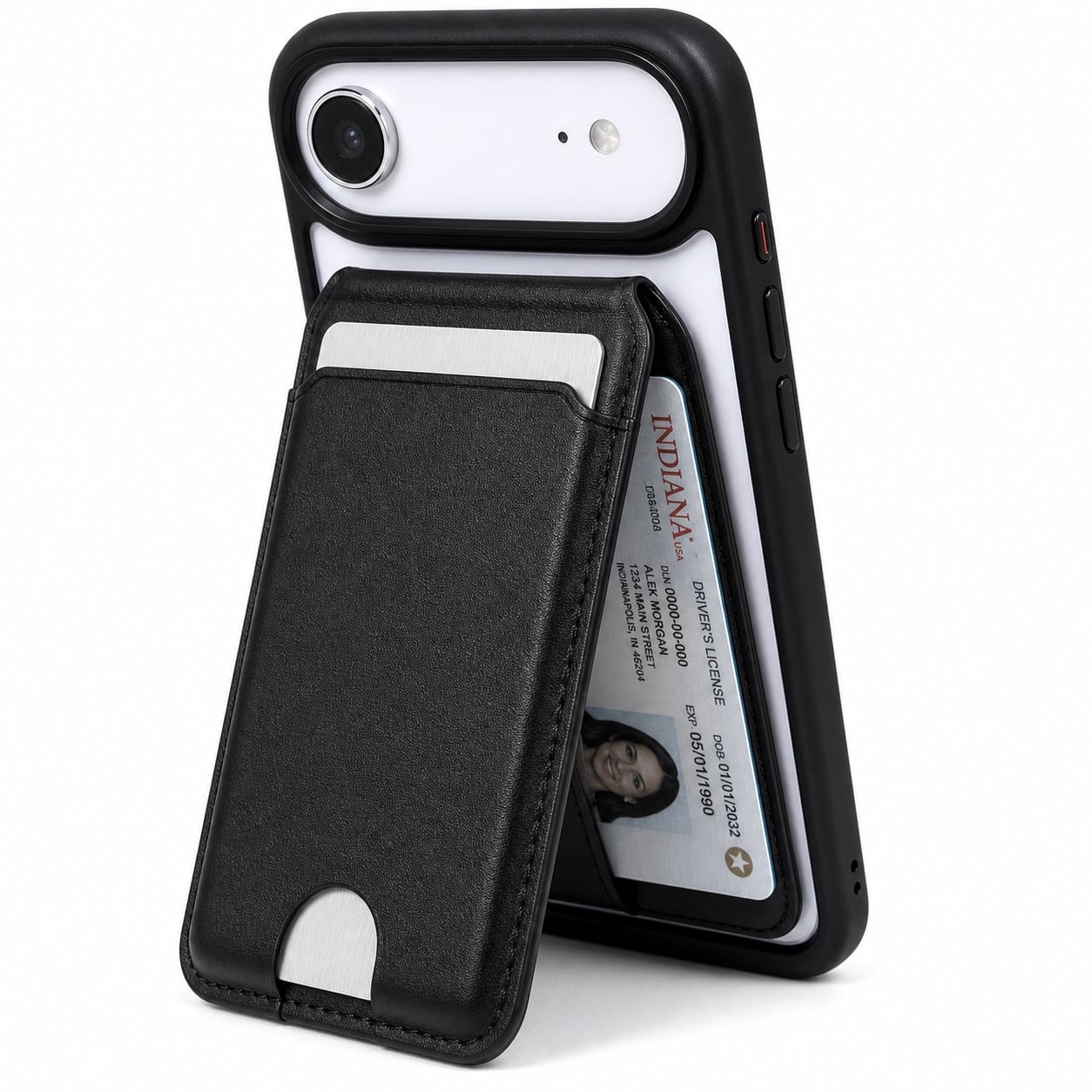
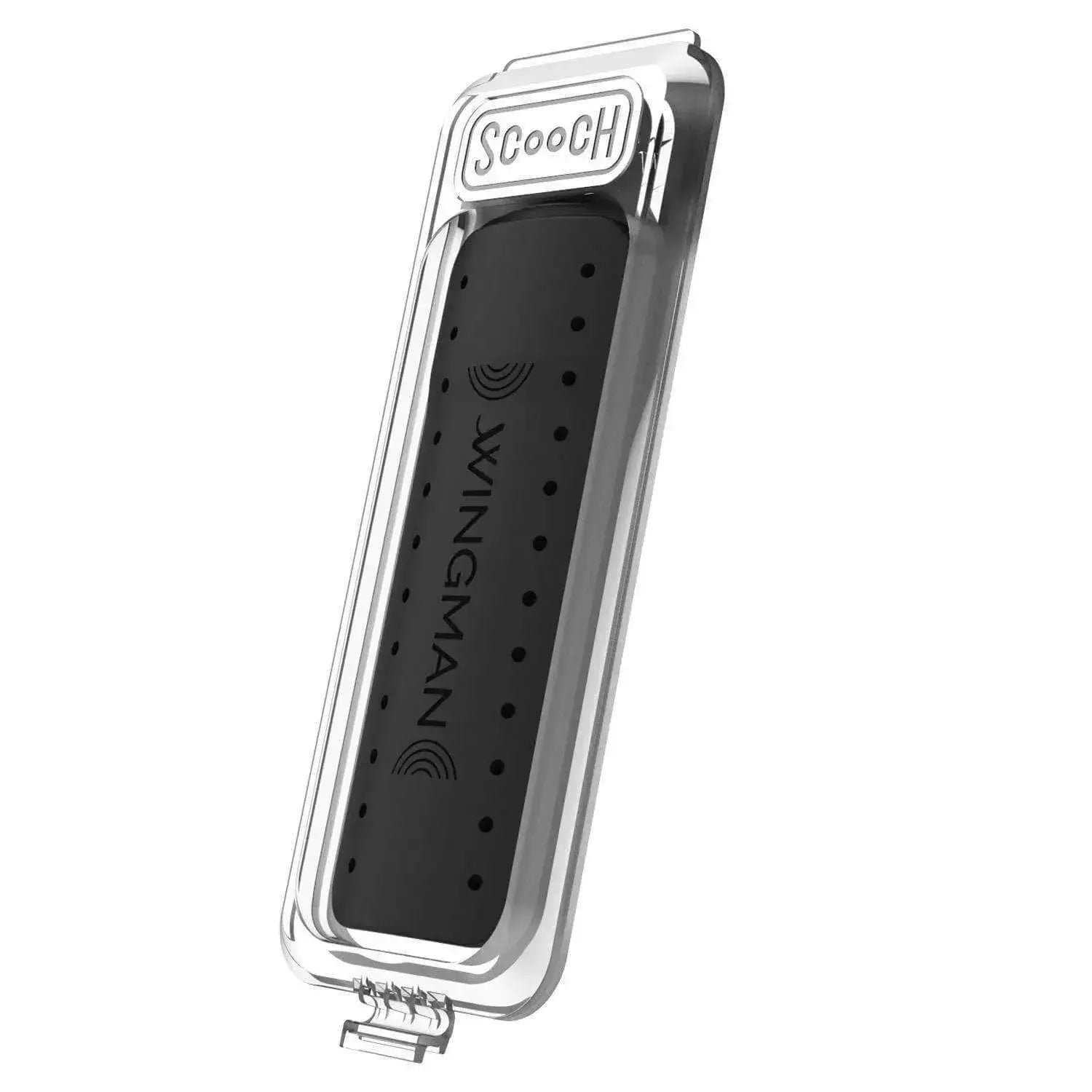
Replace a compatible Wingman Clickstand with a fresh swappable stand piece.

Replace a removable Clickstand
- Confirm that your Wingman has a removable Quick Release Clickstand.
- Lift the small plastic tab at the bottom of the Clickstand—do not pry up the black Clickstand itself—and slide the old Clickstand out.
- Align the replacement with the slot and press it in until it is seated.
- Push the middle to open it, then push it back toward the case to confirm it snaps flat.