


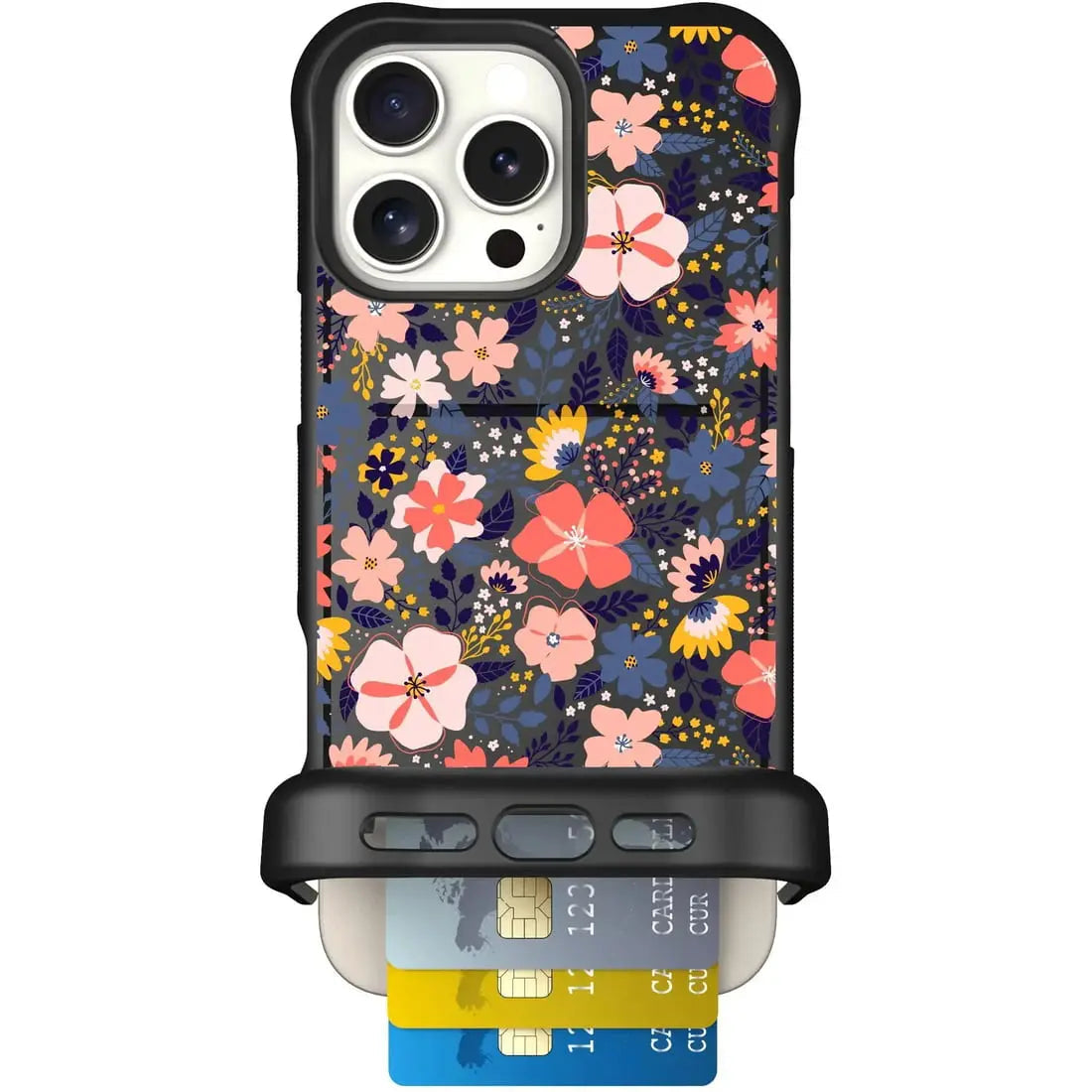
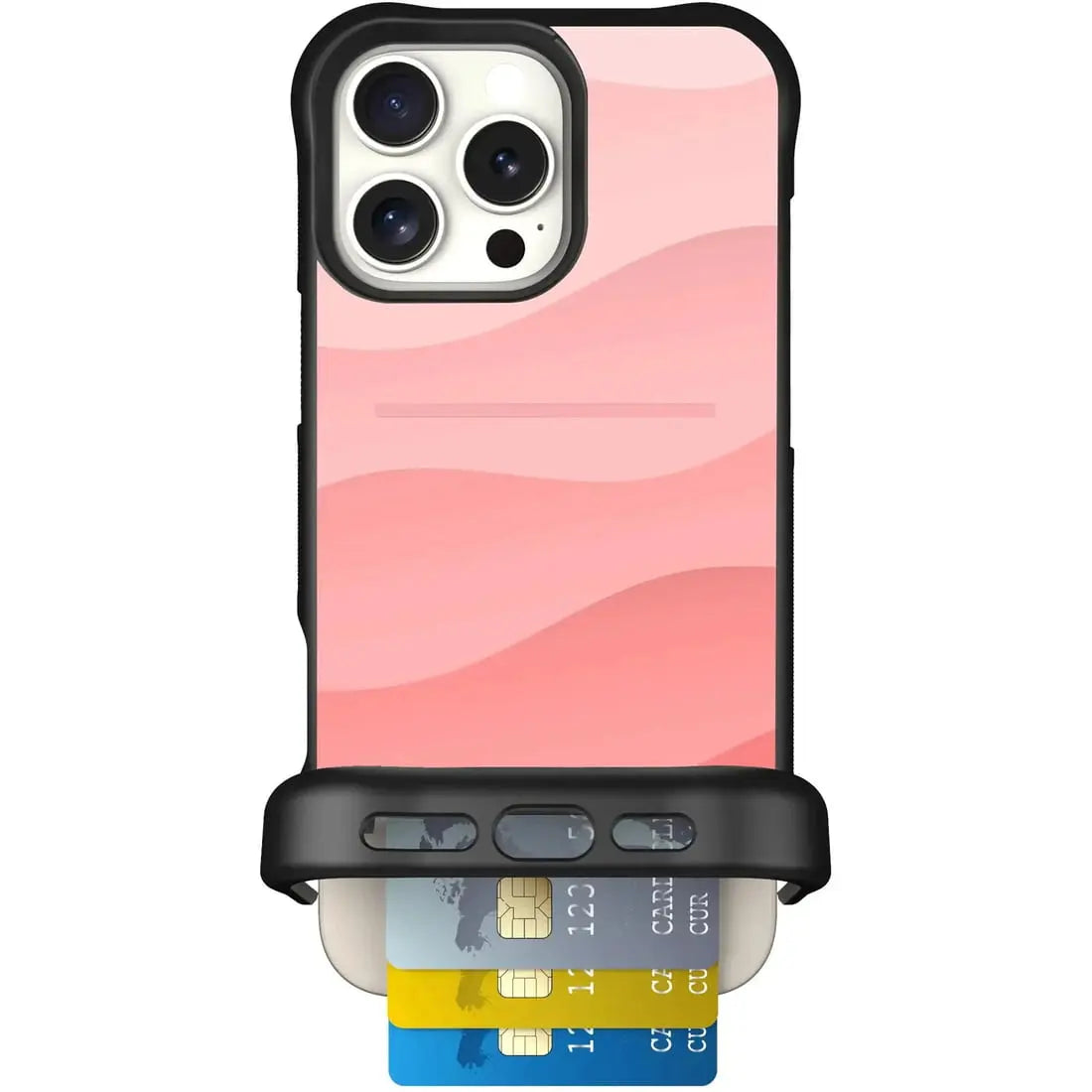


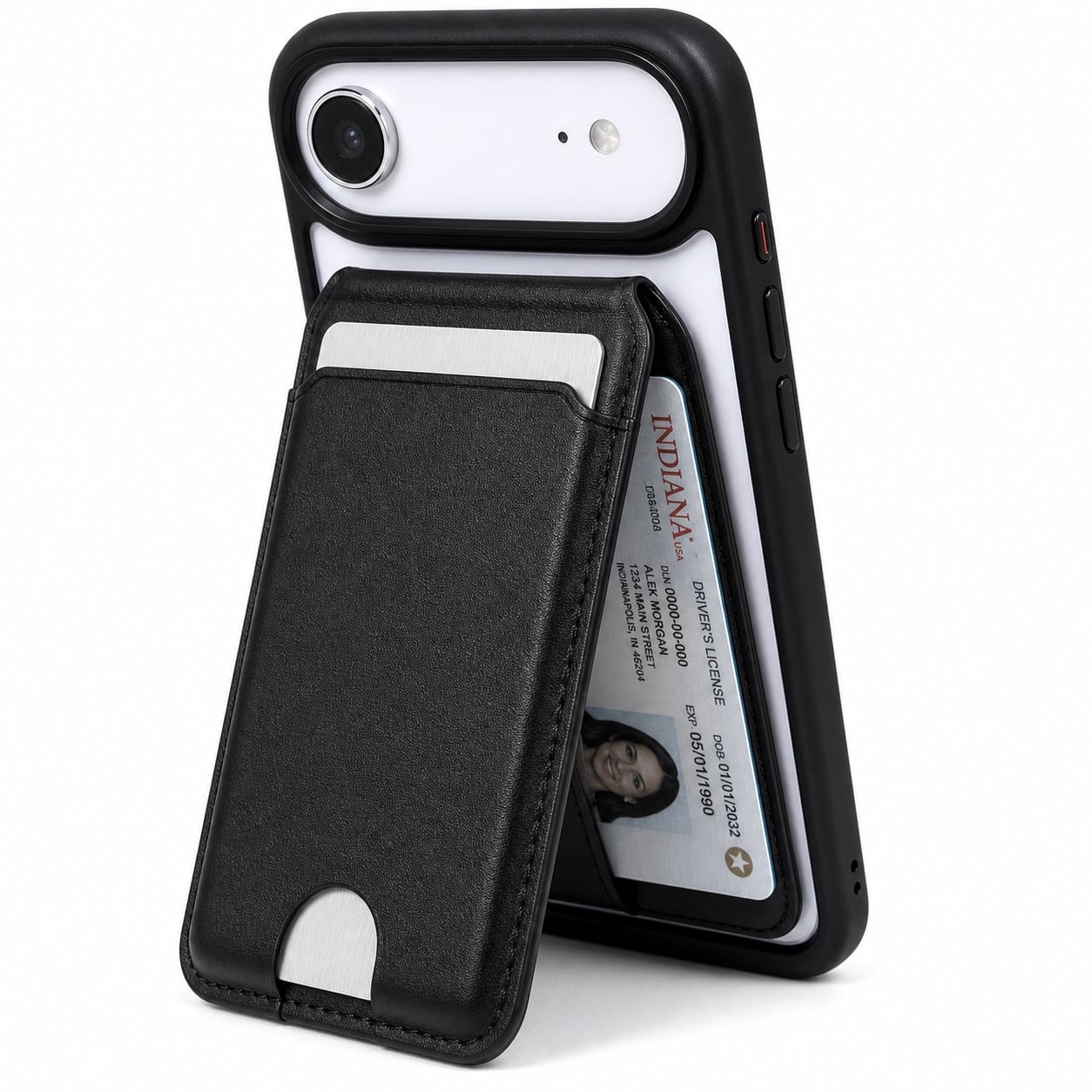


Cases guide
Wingman
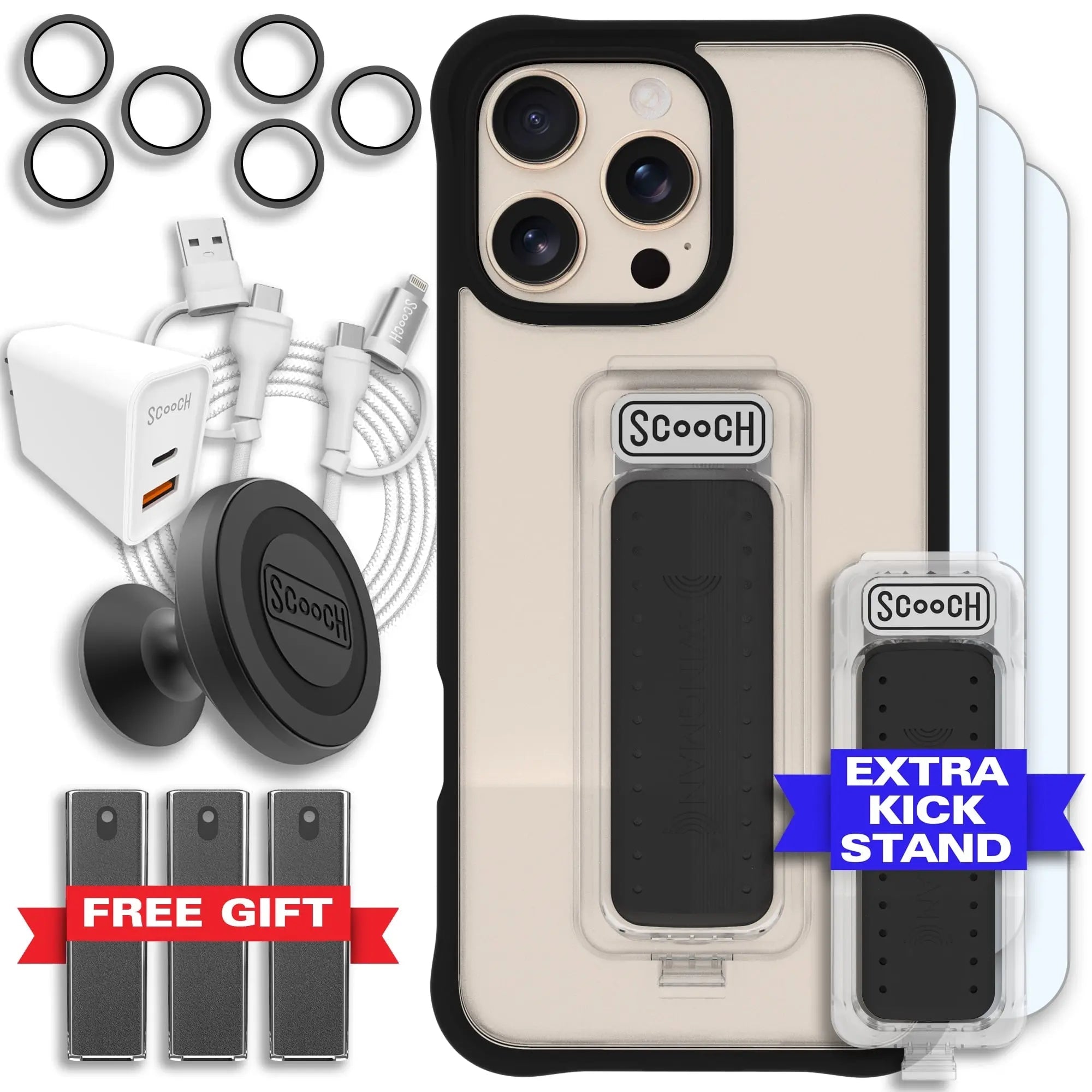
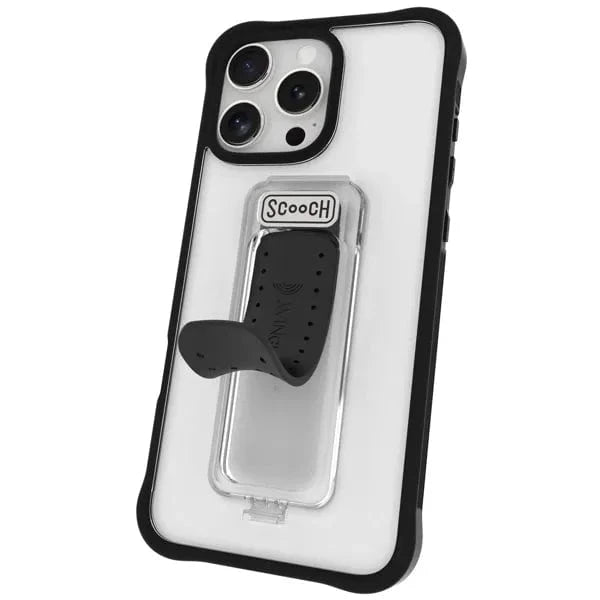
Set up the original Scooch 5-in-1 case with its built-in Clickstand grip, kickstand, vent mount, and perch functions.

Set up and use your Wingman
- Snap your phone fully into the case.
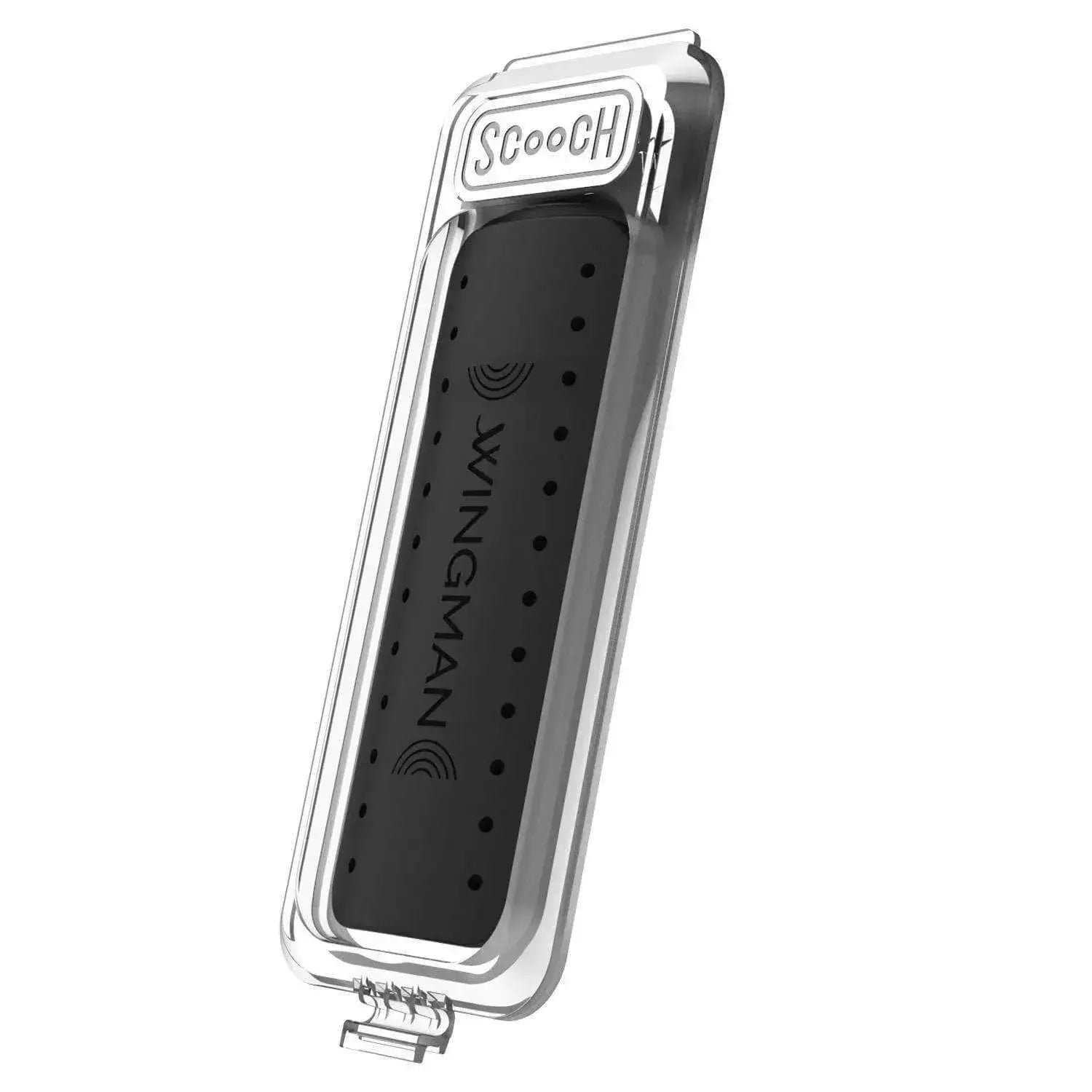
- Push the middle of the black Clickstand to pop it open.
- Use the open Clickstand as a grip, stand, car-vent mount, or perch.
- Push the middle of the Clickstand back toward the case to snap it flat.
Wireless charging
Only supported Wingman models have a removable Clickstand. On those models, lift the small plastic tab at the bottom of the Clickstand—do not pry up the black Clickstand itself—then slide the Clickstand out before wireless charging. Reinstall it when you are finished.