
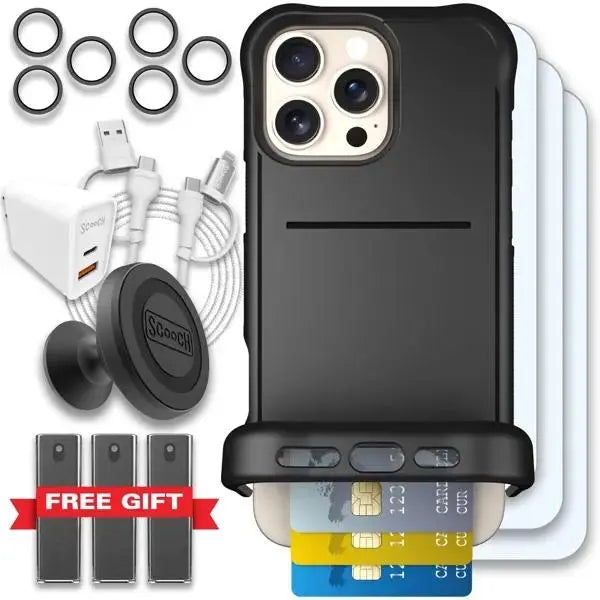
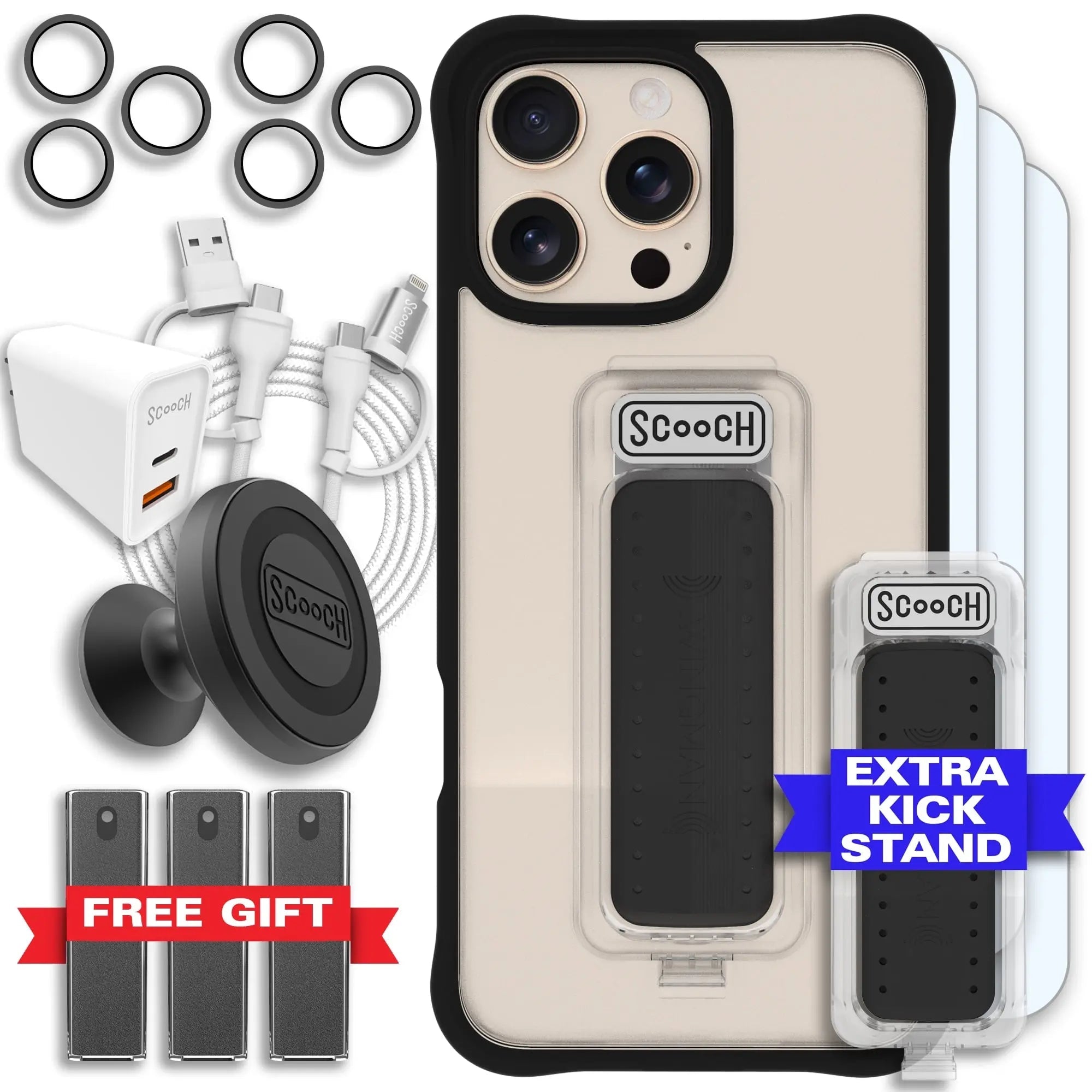
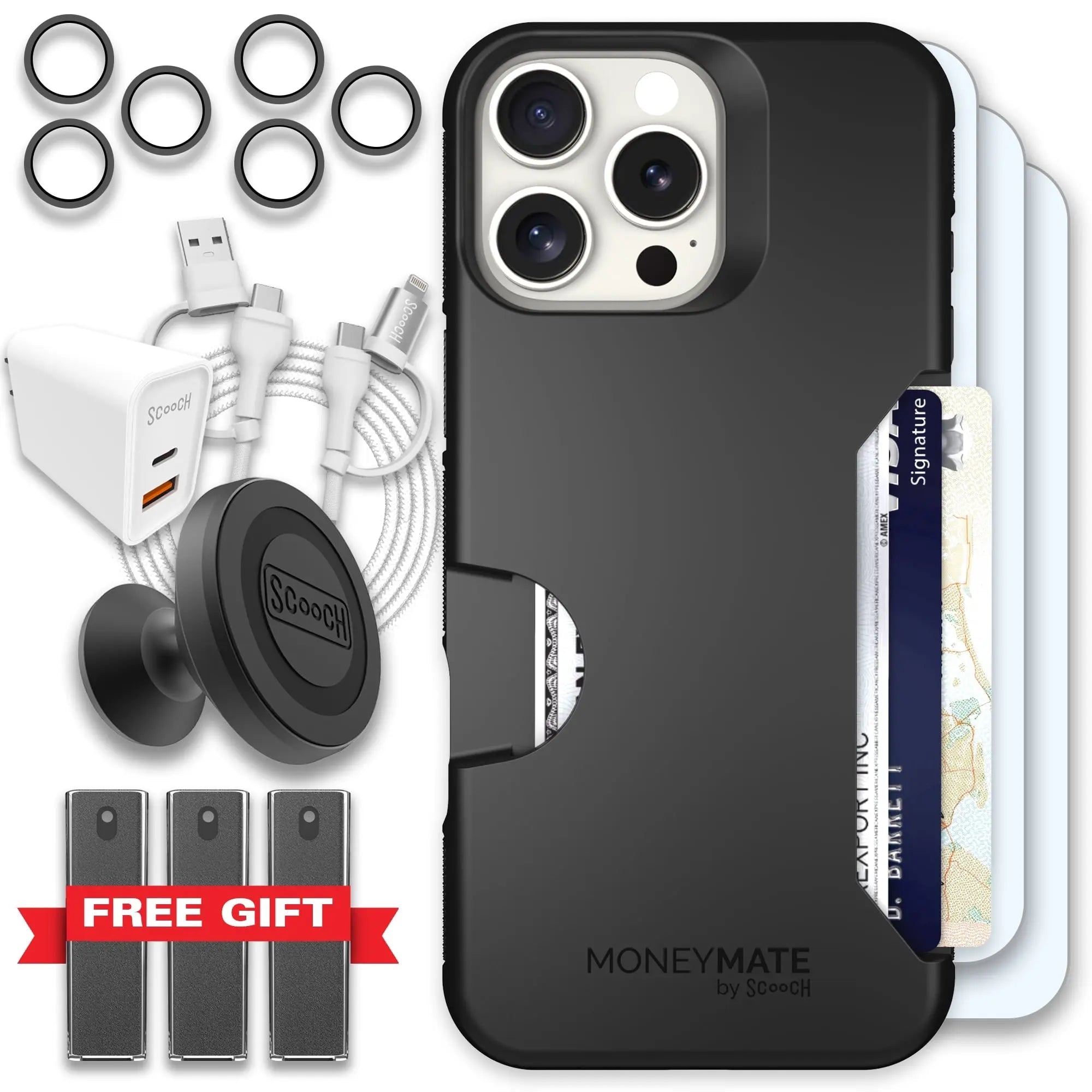
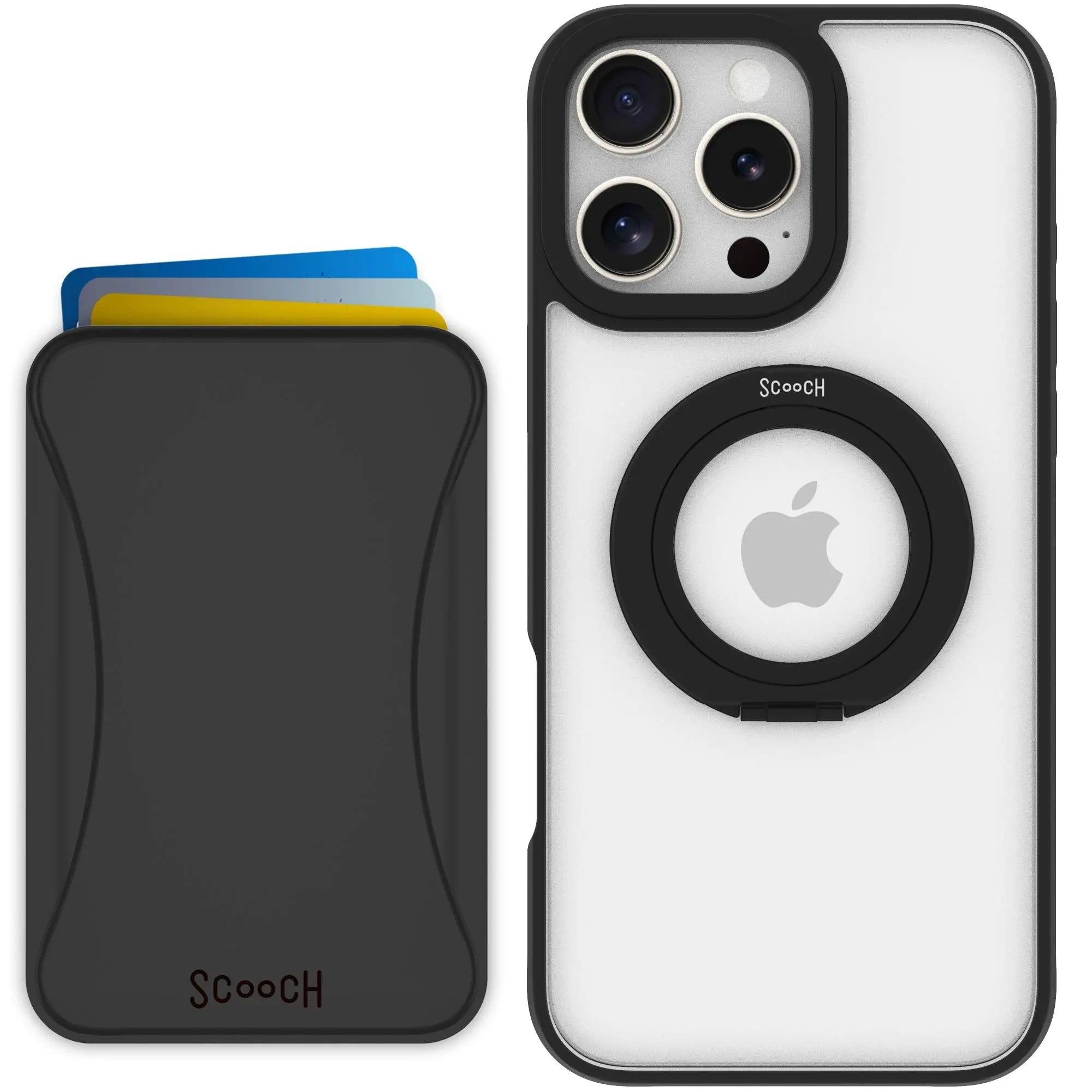
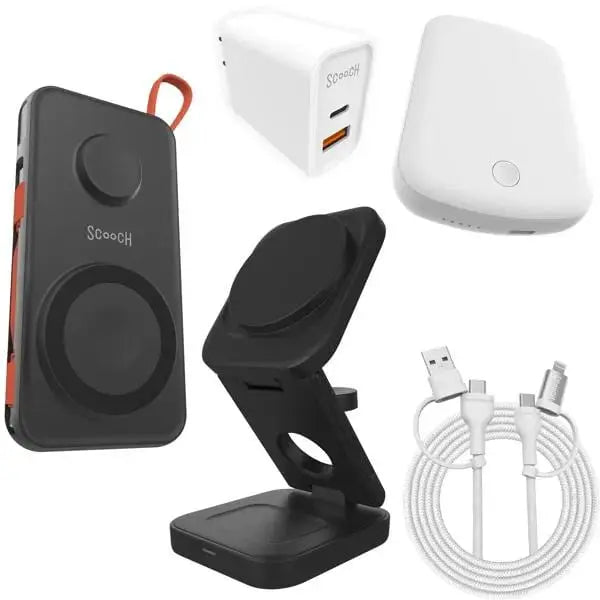
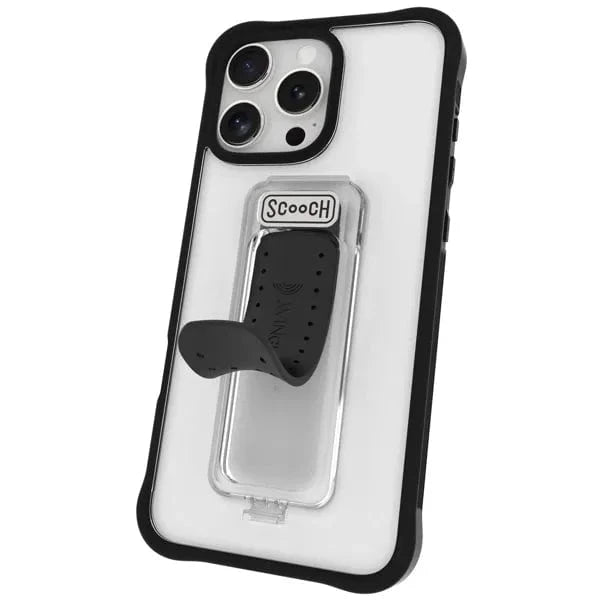
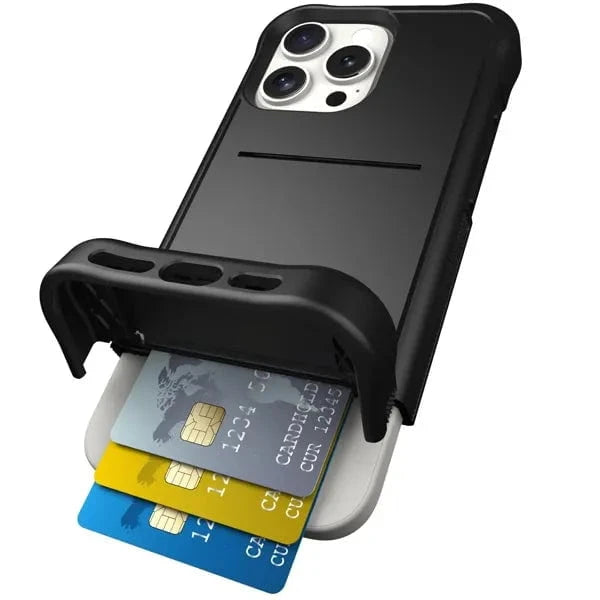


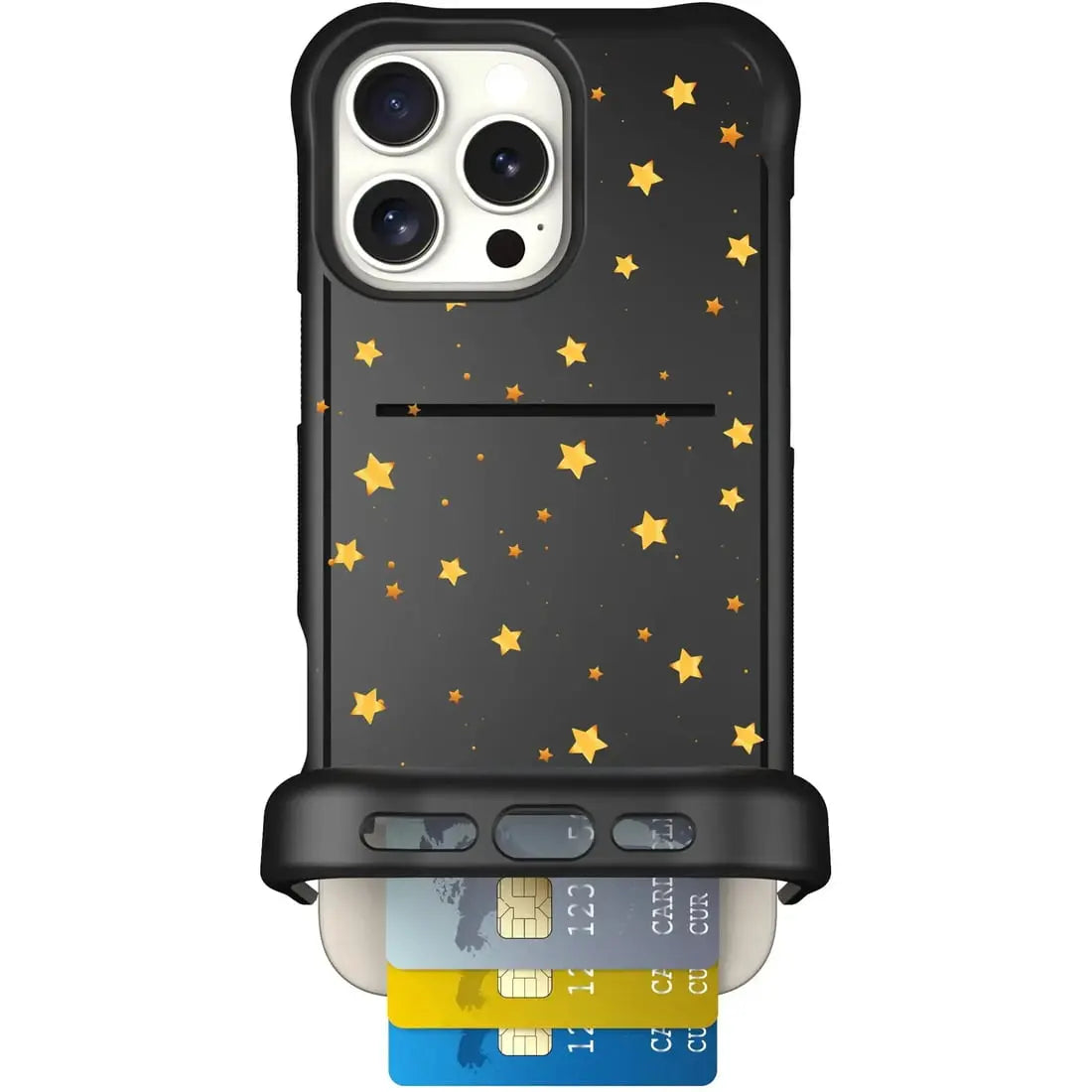
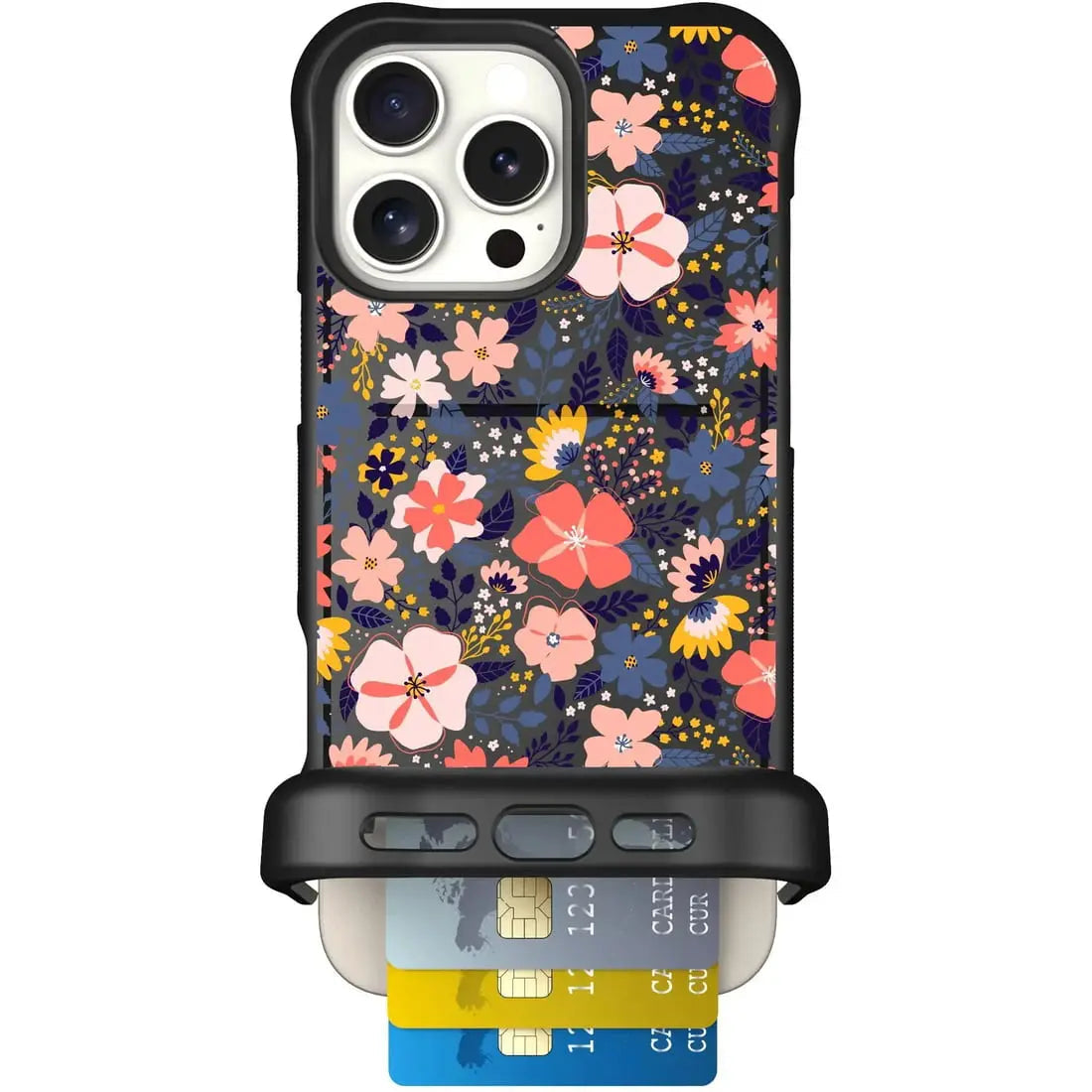
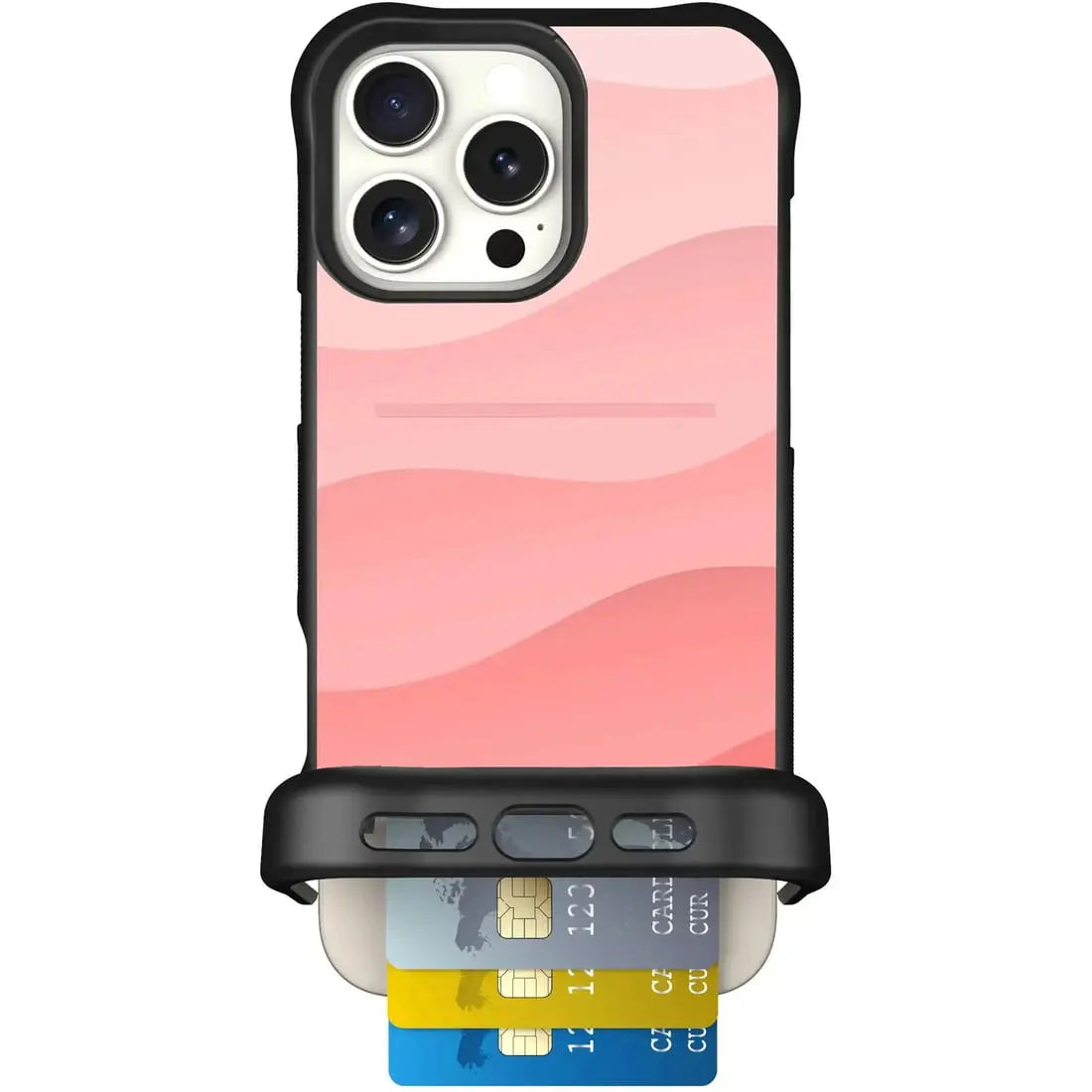
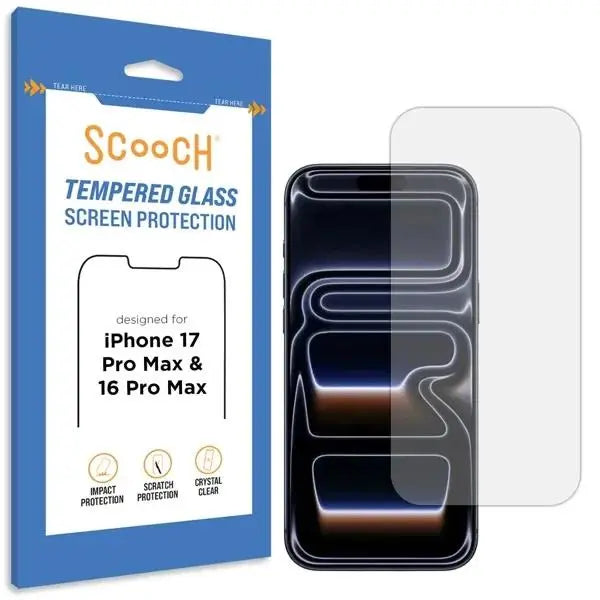
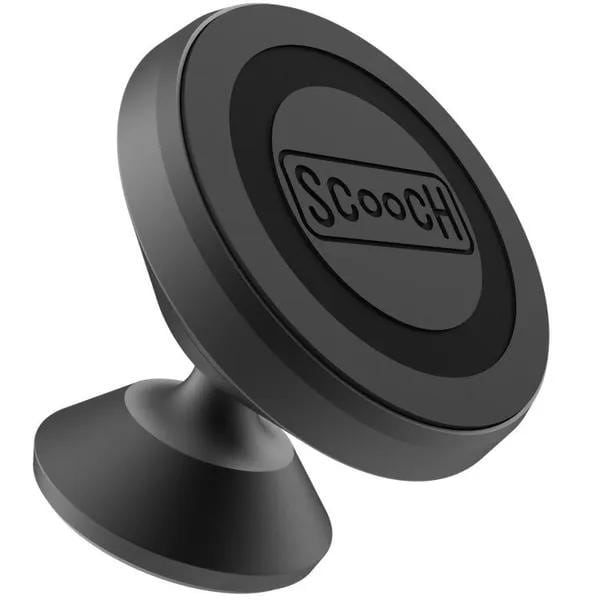
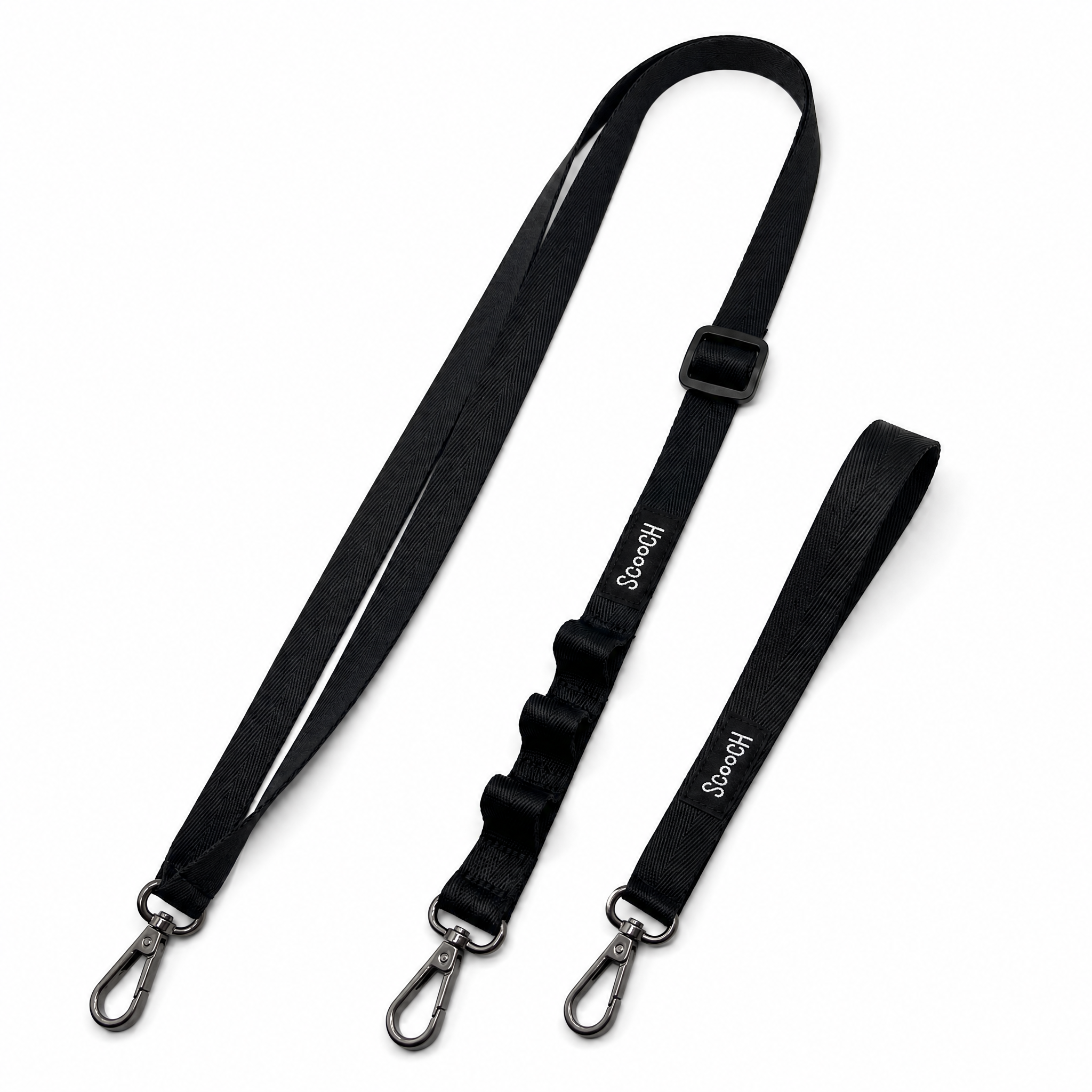
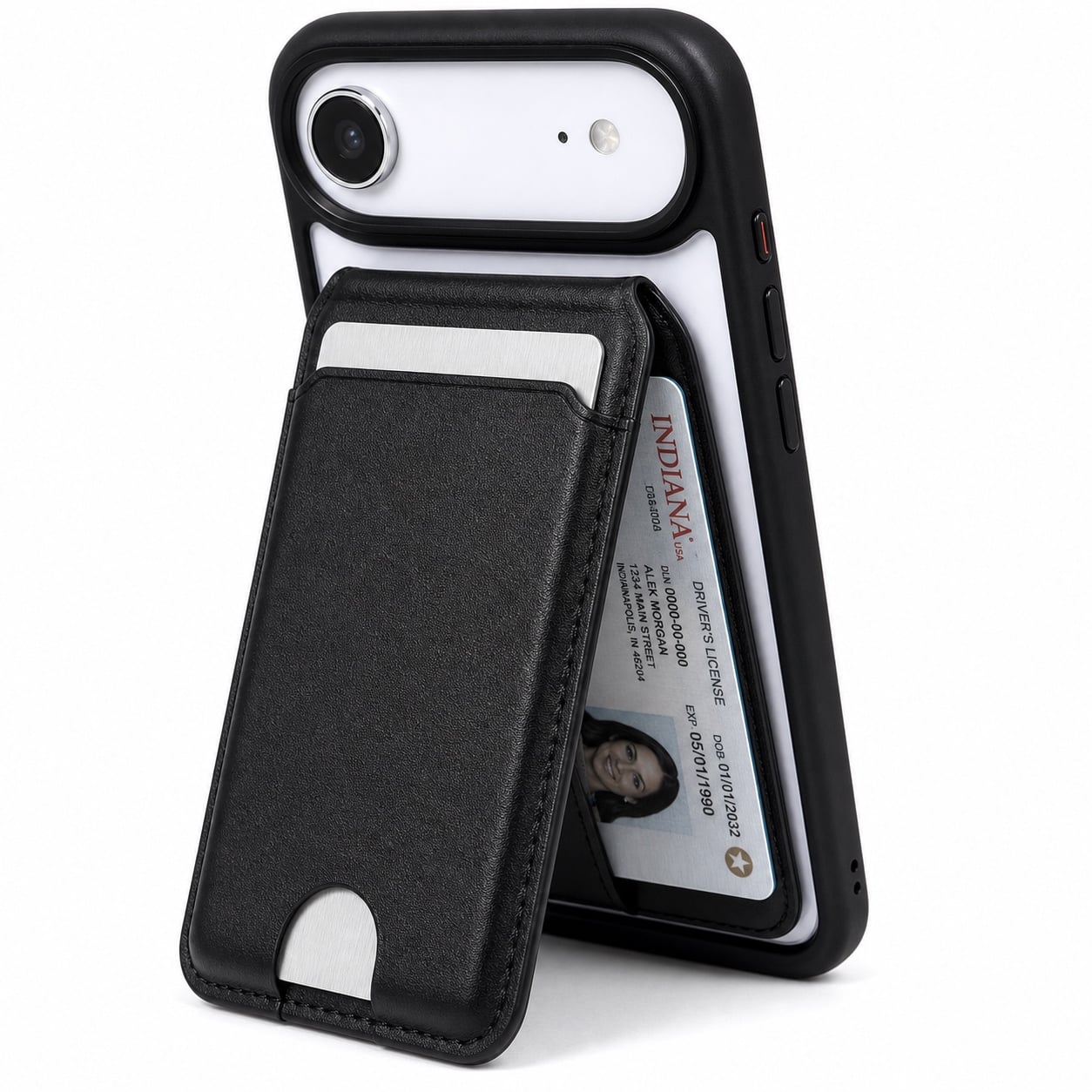
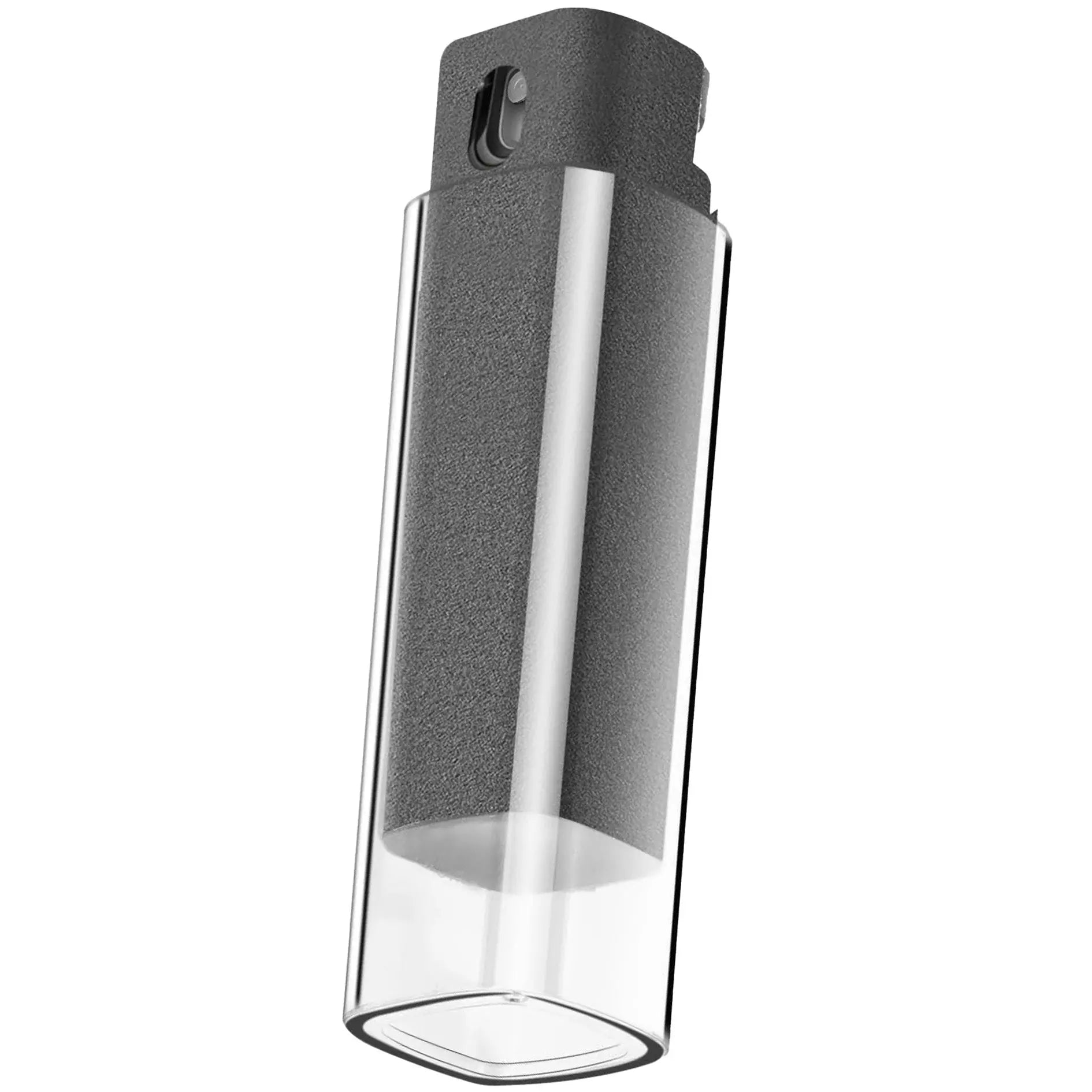
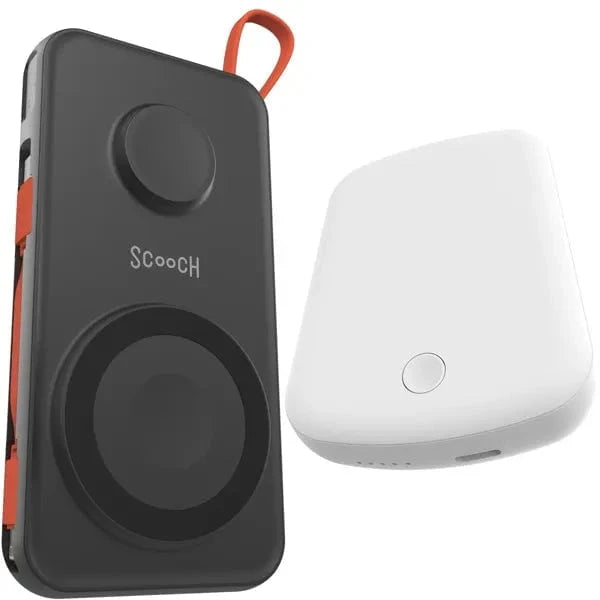
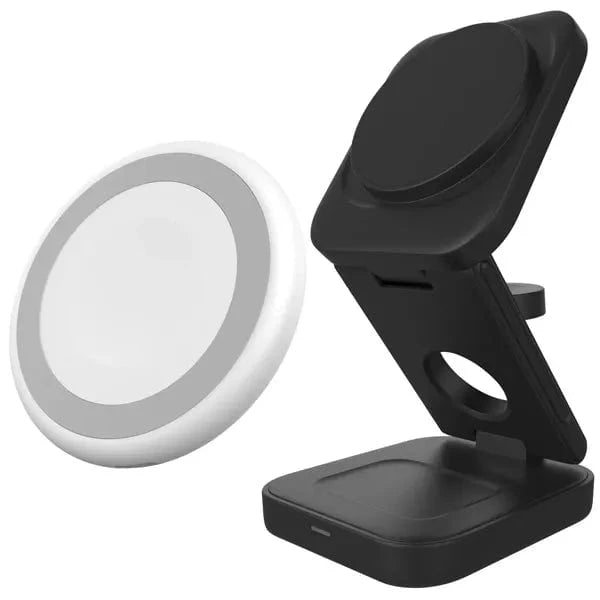
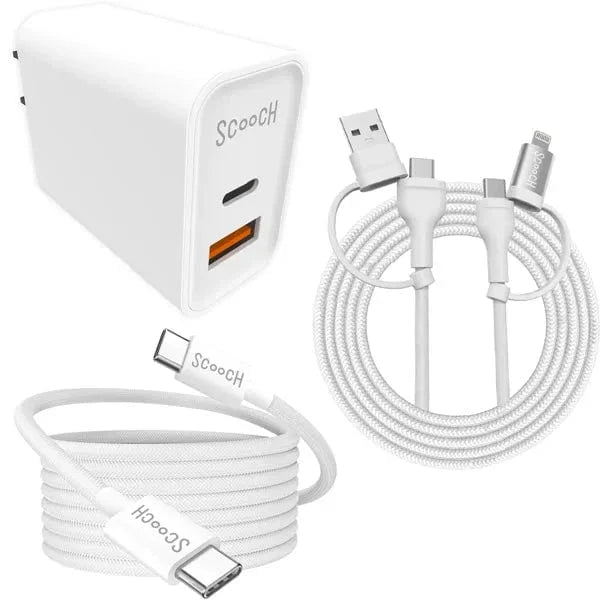
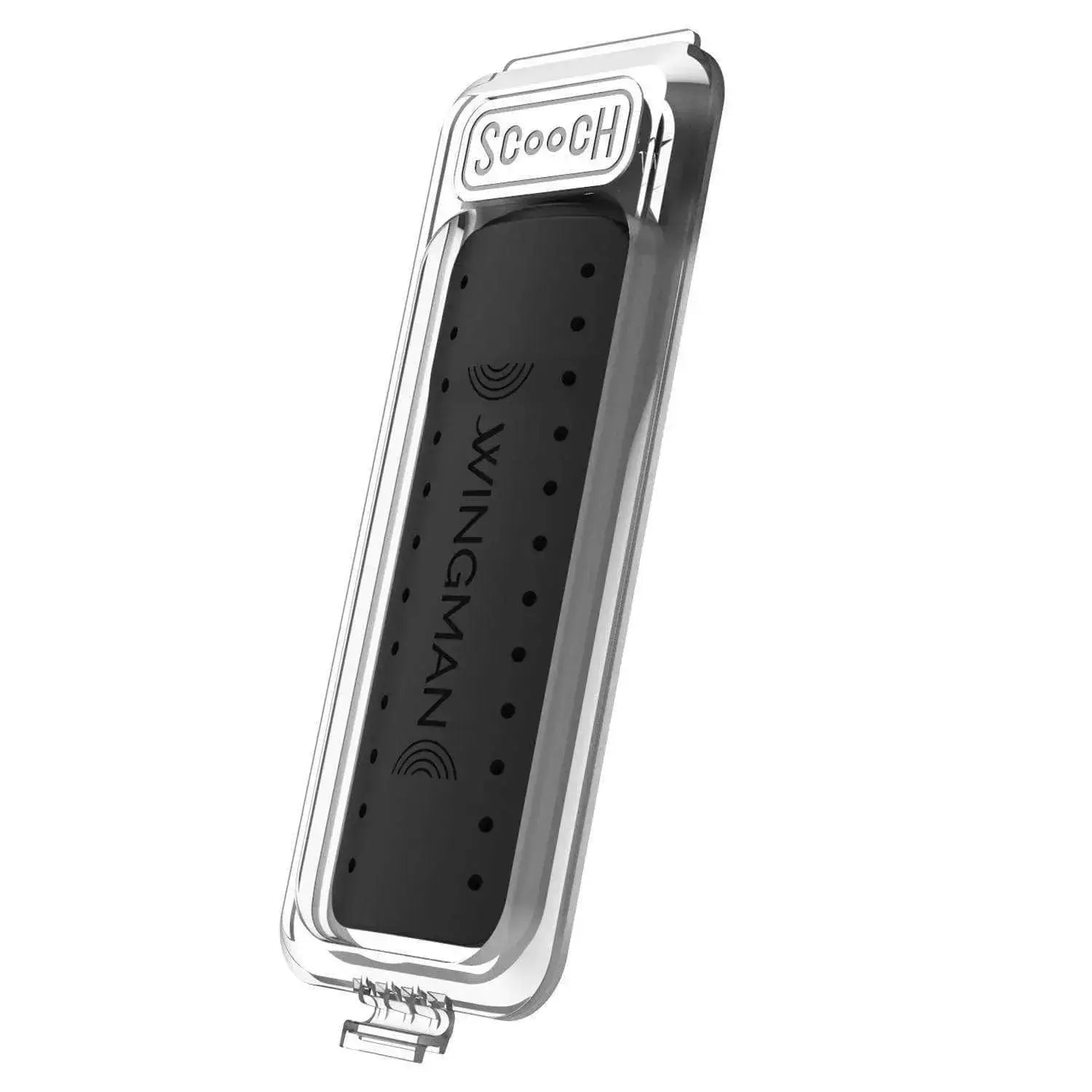
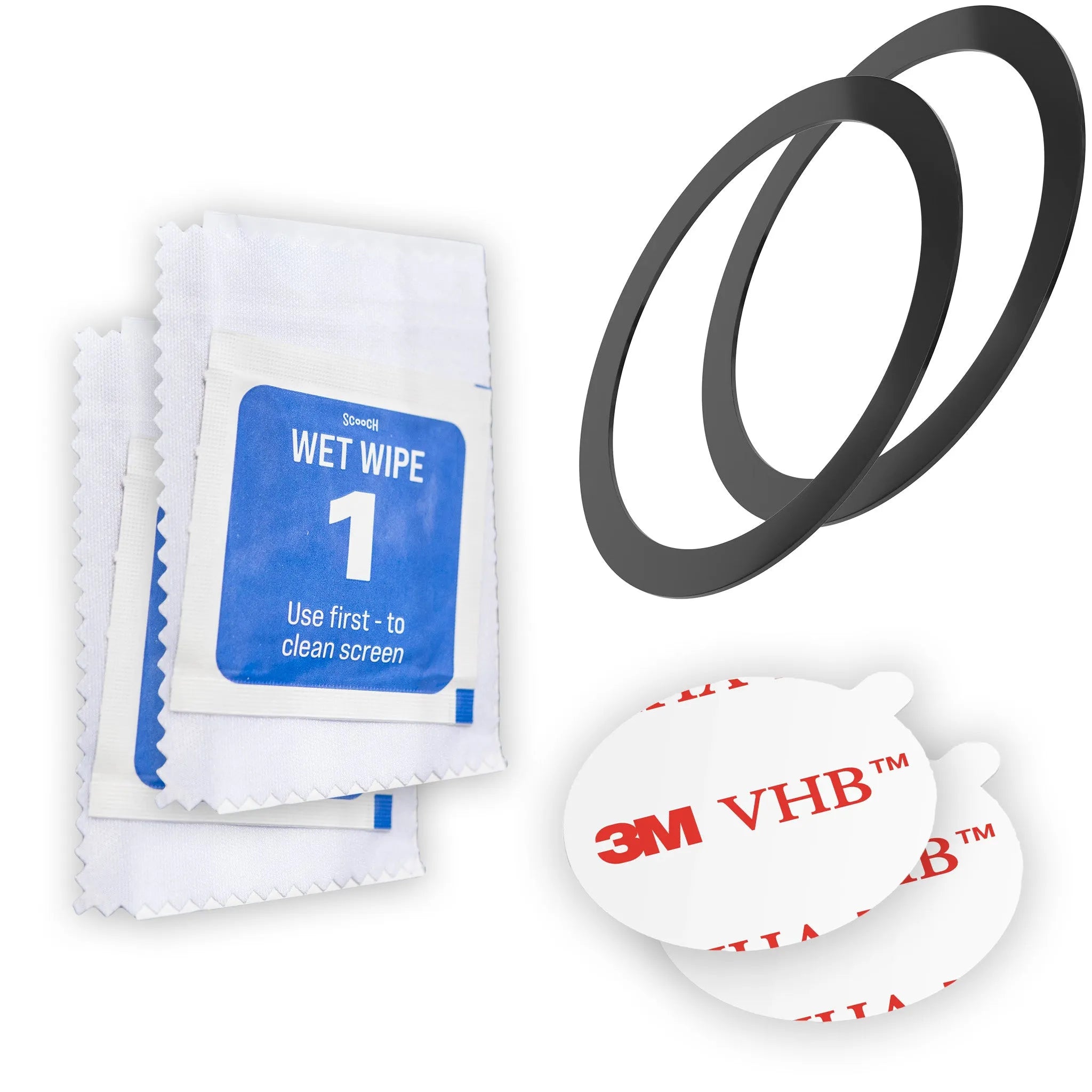


What’s in the box
- 1 Scooch Wingmate
- Protection Guarantee registration information. Coverage depends on the product or offer you purchased. Register within 30 days of purchase and see the Protection Guarantee policy for eligibility and claim requirements.
Installation Instructions
- Just snap your phone into the case from corner to corner; buttons and ports should align perfectly when properly installed.
How to Open the Wingmate Flap
Gently release the two bottom corners of the flap before folding it back to reach your cards. If it still won’t open comfortably, stop rather than forcing it and email support@scooch.com with your phone and case model so our team can help.
How to Use RFID Protection on Wingmate
Load payment cards chip-end first and fully seat them behind Wingmate’s embedded steel plate. Shielding helps reduce contactless scans; results depend on the card and reader. Remove a physical access card or fob to use its reader. Phone-based Apple Pay and Google Pay are separate.

FAQ
Questions? Tap here to see our FAQs
Open the questions below to learn more.
Does Wingmate come with a warranty?
Wingmate has a one-year warranty against manufacturing defects. Email support@scooch.com with your order number or receipt and a photo of the problem so the team can review it. Approved replacements have a non-refundable handling charge; see the warranty terms. The separate Protection Guarantee has its own registration and claim terms.
How many cards can Wingmate hold?
Wingmate holds 3 cards plus cash, or up to 4 slim cards without cash, depending on thickness. Thicker cards and cash reduce space; do not force an overfilled compartment.
What about wireless charging and MagSafe?
Wingmate cannot charge wirelessly or with MagSafe while the case is on; cable charging works with the case installed. Compatible non-charging MagSafe grips and stands can use a supported adhesive-ring setup kept clear of the wallet flap. Wingback for MagSafe includes its ring, so you do not need an extra adapter for that pairing. The ring does not enable wireless charging through Wingmate. Do not remove the embedded steel plate.
Will the magnet demagnetize my cards?
Wingmate has an embedded steel plate for Wingmount, rather than an internal magnet. It helps shield stored cards, but card types and mount setups vary. If you have a card issue, email support@scooch.com with the card type, case and mount setup so we can take a look.
Will my cards fall out if I drop my phone?
The hidden compartment is designed to hold properly fitted, fully seated cards securely. Card thickness, overfilling and impacts can affect retention; we cannot promise retention in every impact. If your cards are loose, email support@scooch.com with your phone and case model, card count and a photo so we can check the setup.
Is Wingmate compatible with all phone models?
Choose your exact phone model in the product selector; a case for a different model or size may not fit. If yours is not listed, email support@scooch.com so we can help check current options.
What car mount does it use?
Wingmate works directly with Scooch Wingmount through its embedded steel plate; no adapter is needed for that pairing. Wingmount attachment is separate from MagSafe accessory attachment and wireless charging.