


Mounts guide
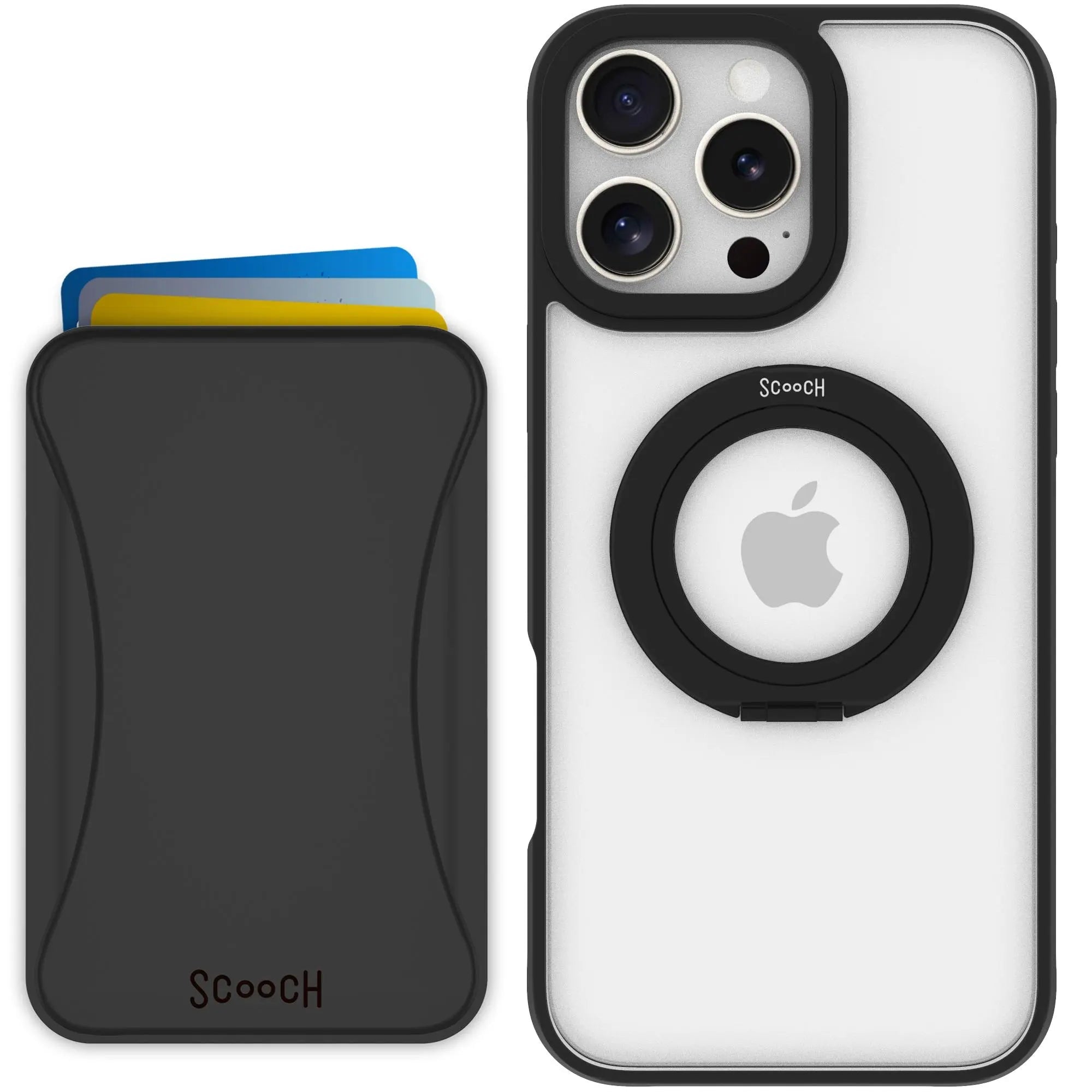
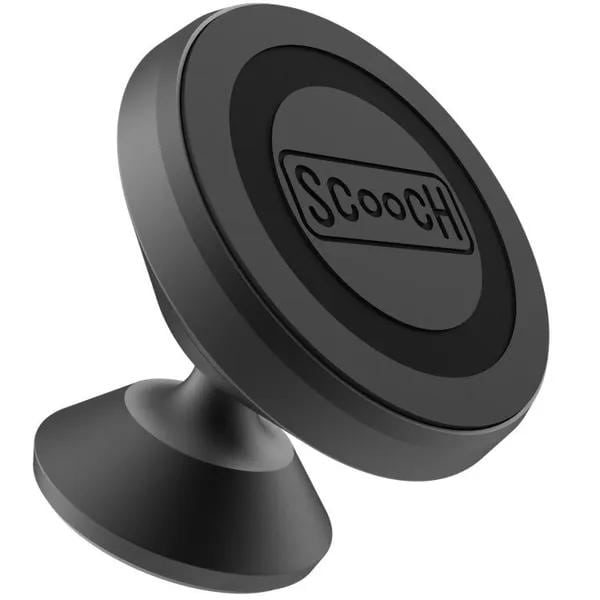
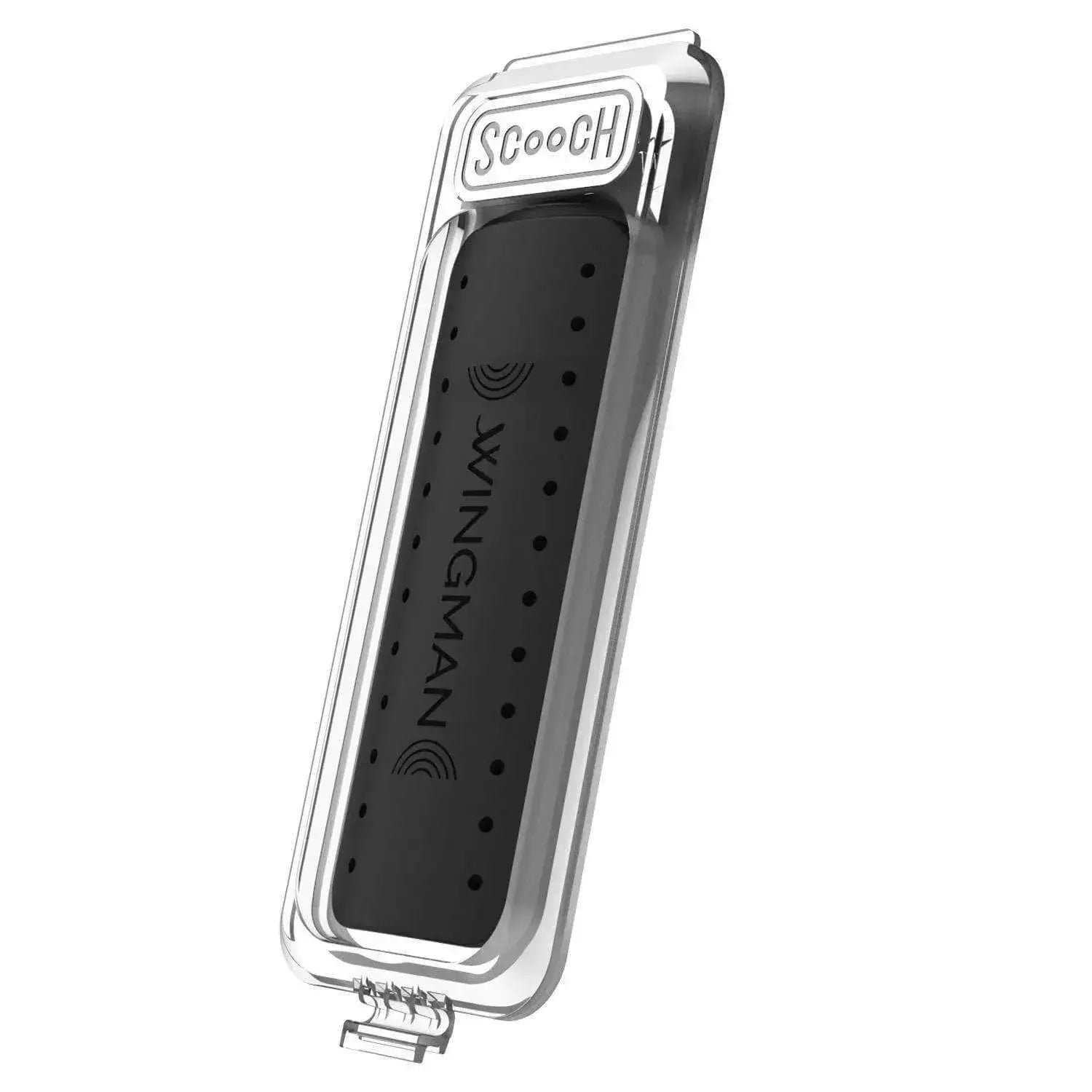
Wingmount Card
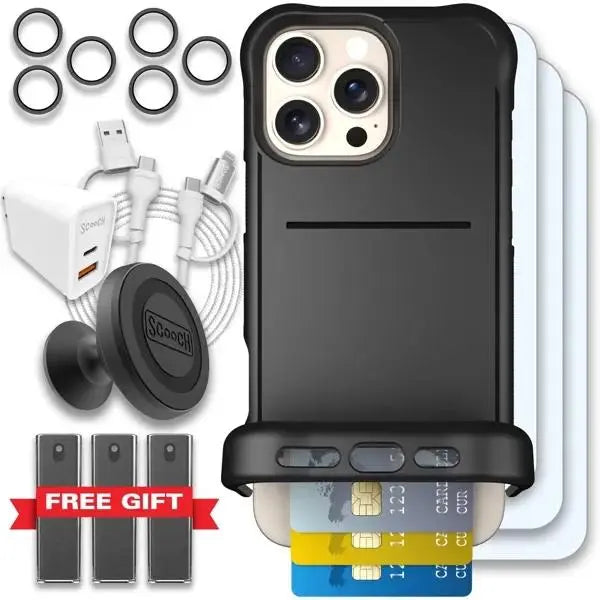
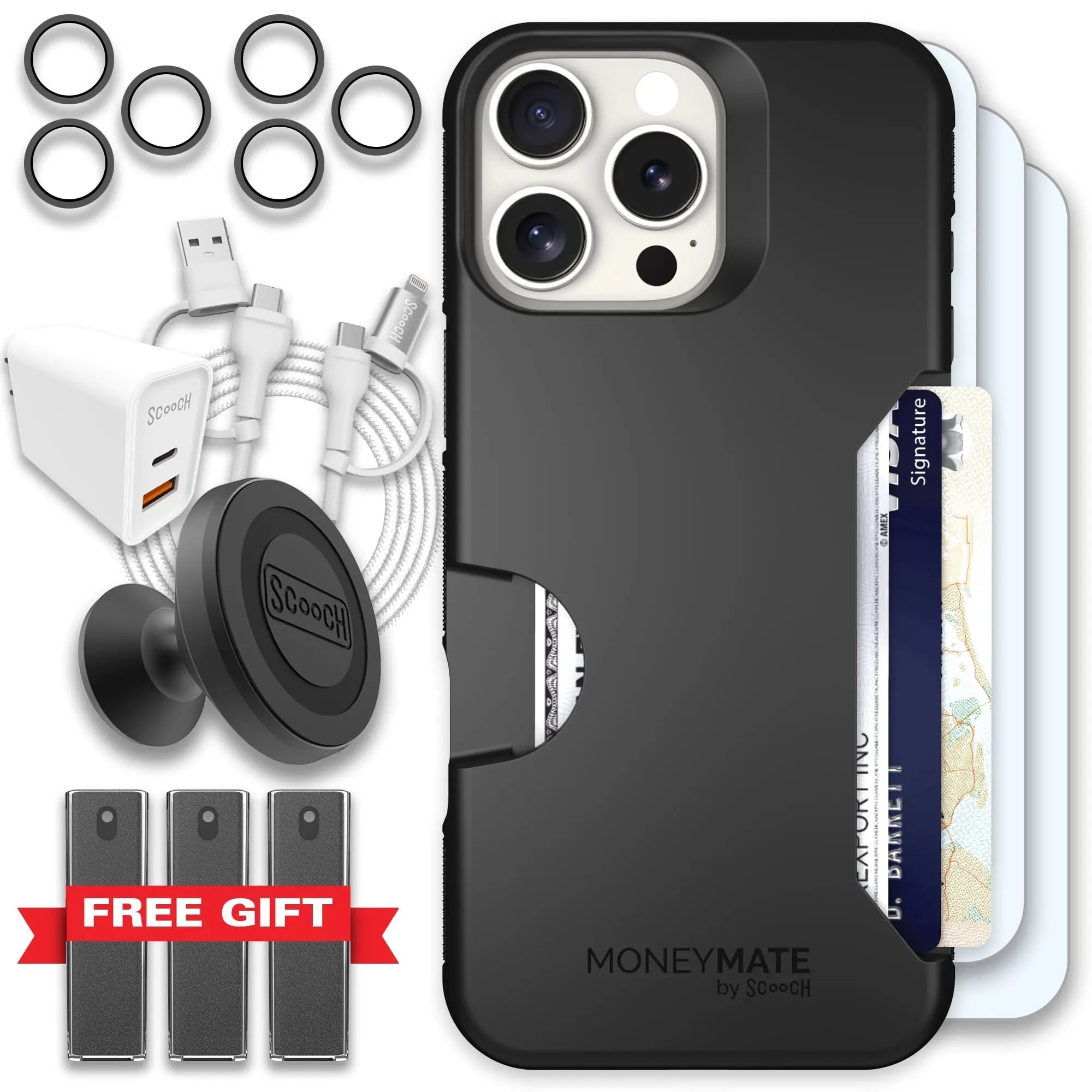
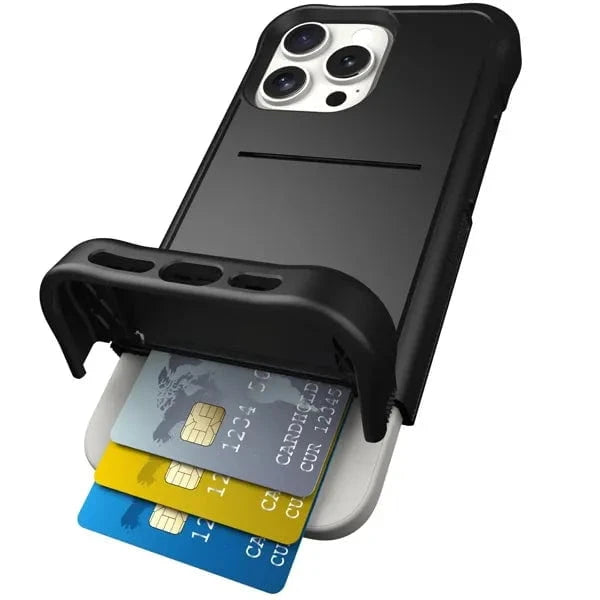
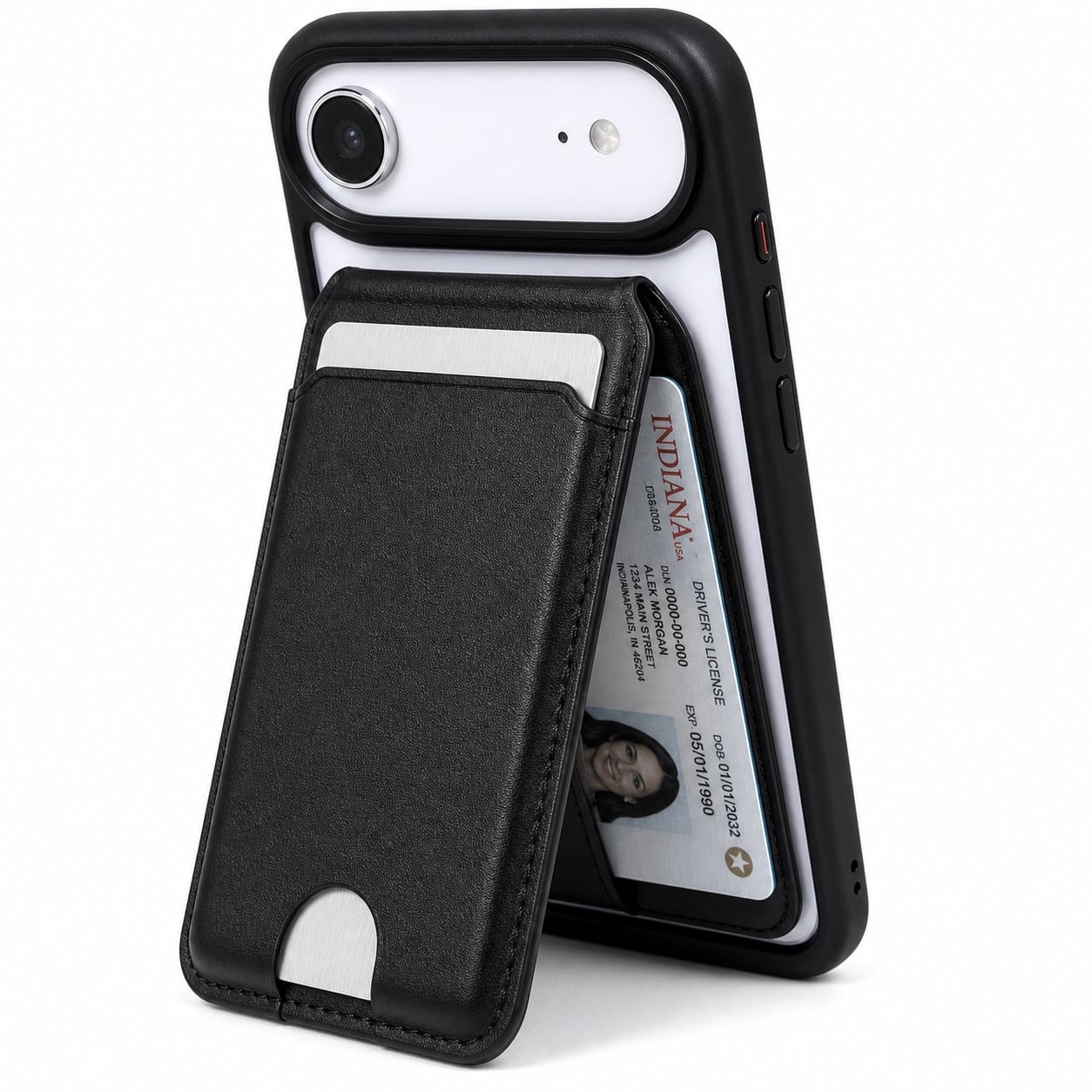
Use Wingmount Card inside Moneymate so the wallet case can connect to Wingmount.

Add the Wingmount Card to Moneymate
- Slide the Wingmount Card into the backmost part of the Moneymate card slot with the Scooch logo facing outward.
- Place your payment cards in front of the Wingmount Card.
- With the Wingmount Card installed, your Moneymate can work with the Wingmount.