




Using Moneymate
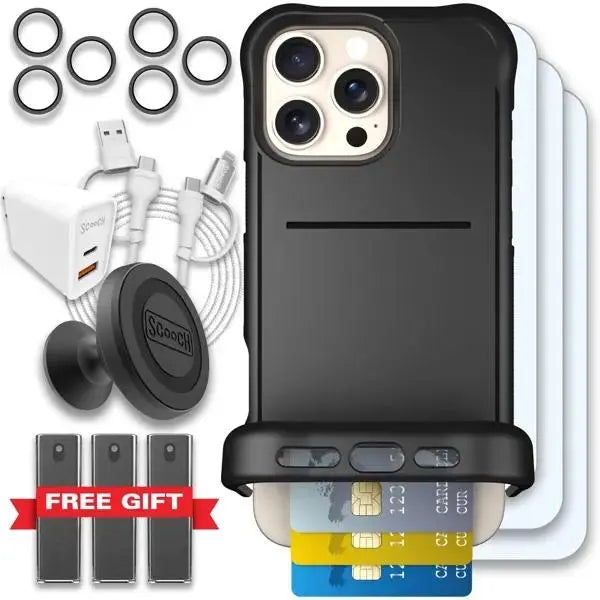
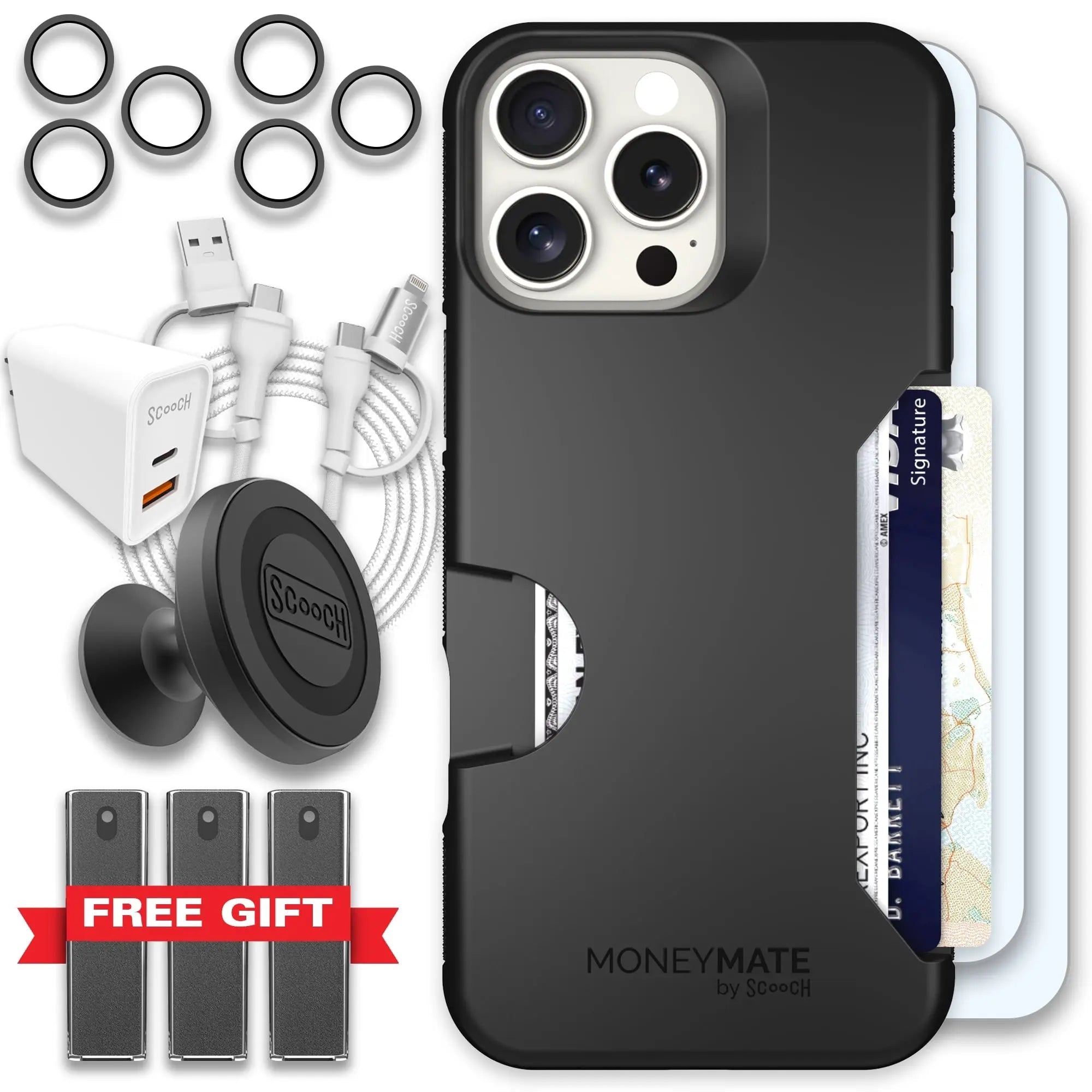
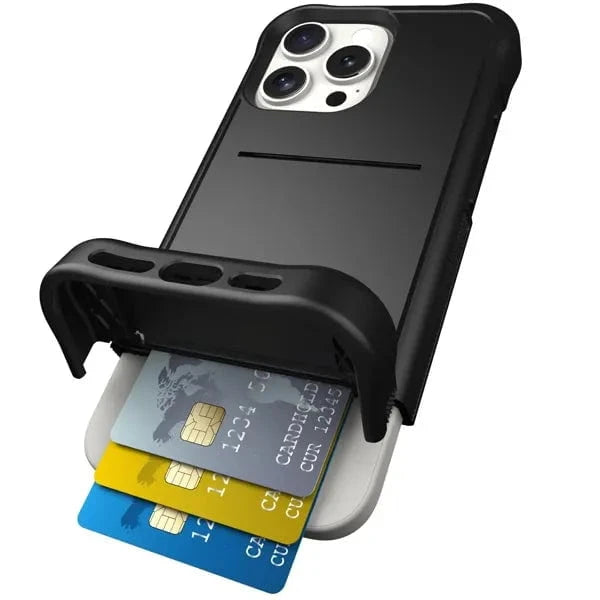
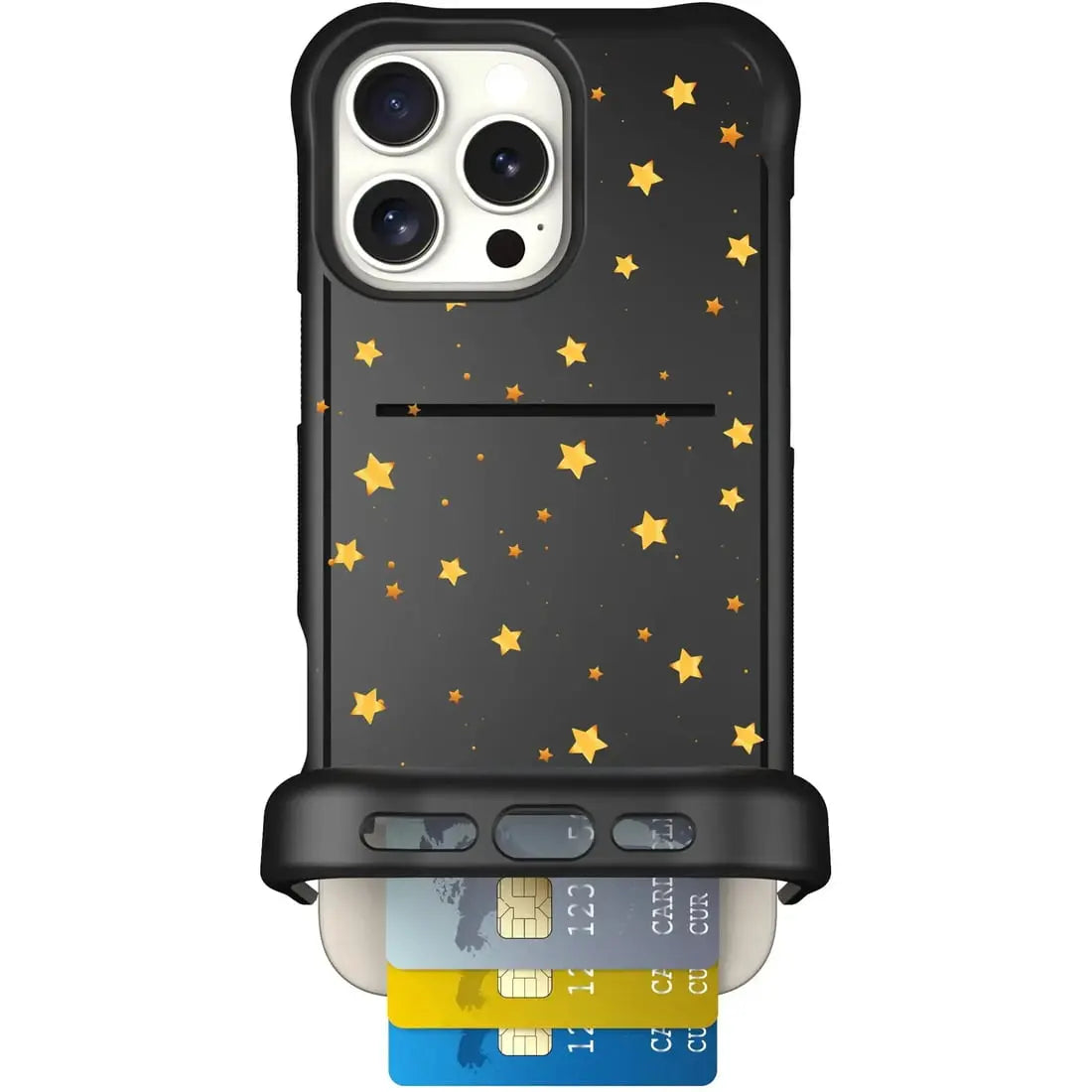
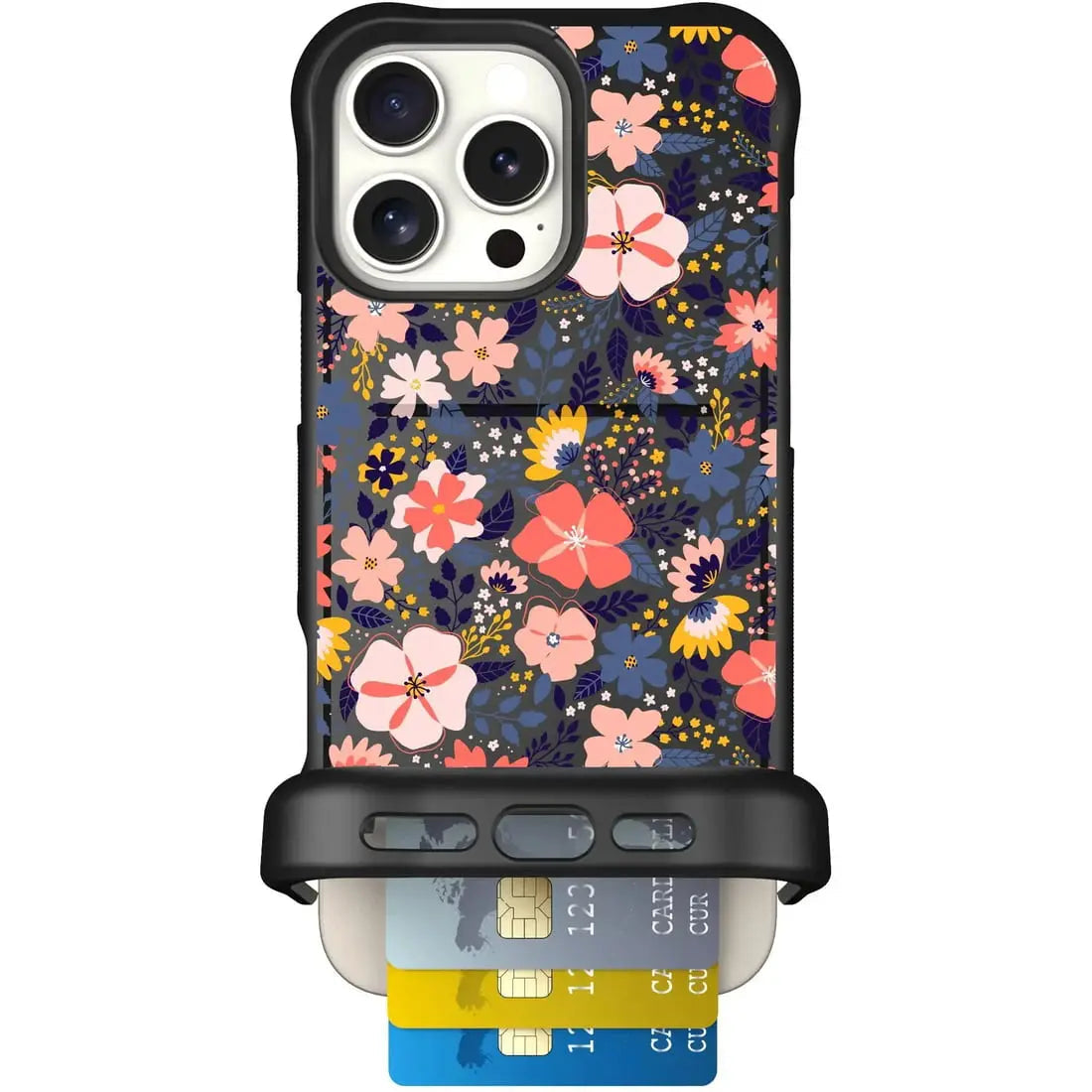
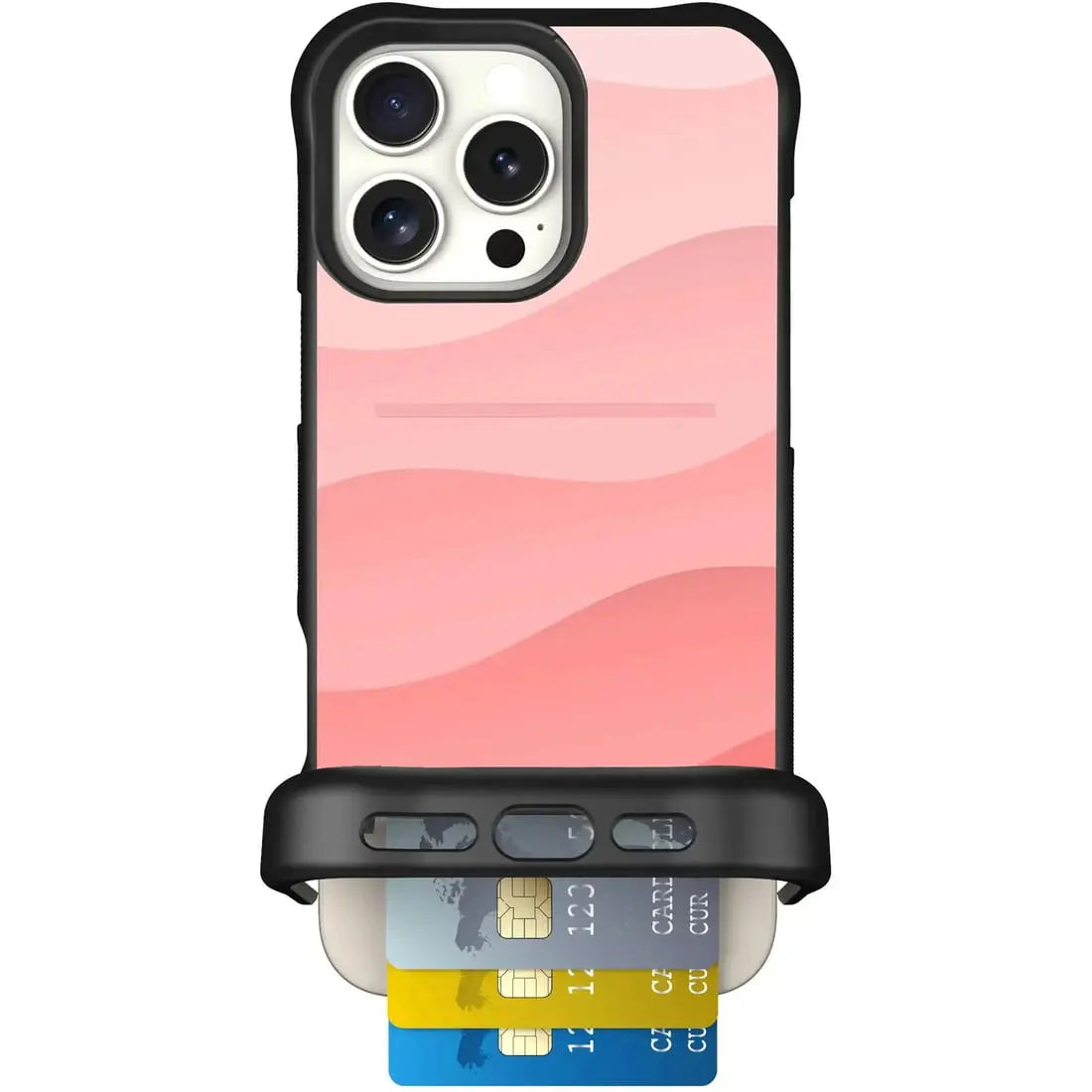
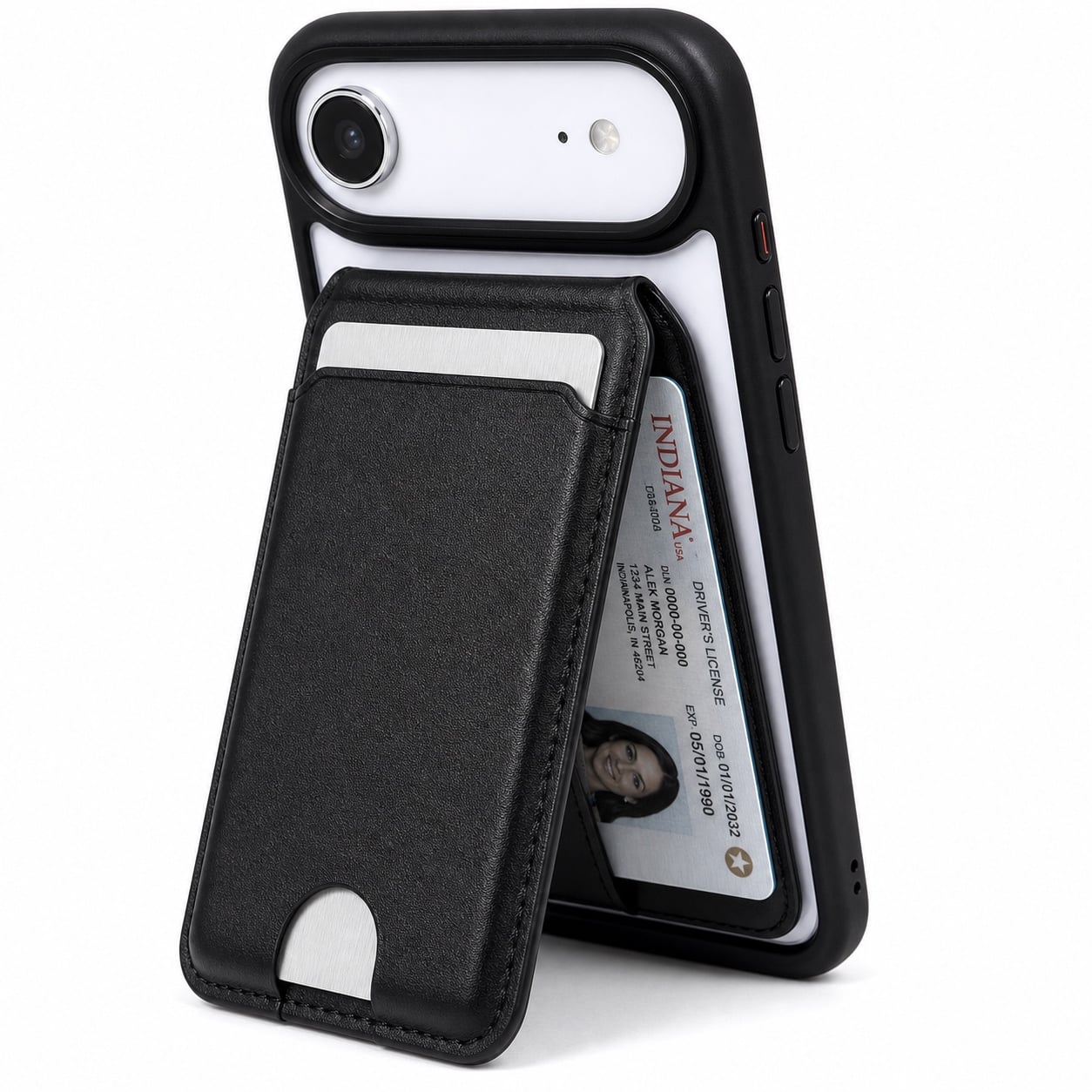
Moneymate uses a side-loading card slot. Looking at the back of the phone, push from the left thumb opening to slide cards out to the right.
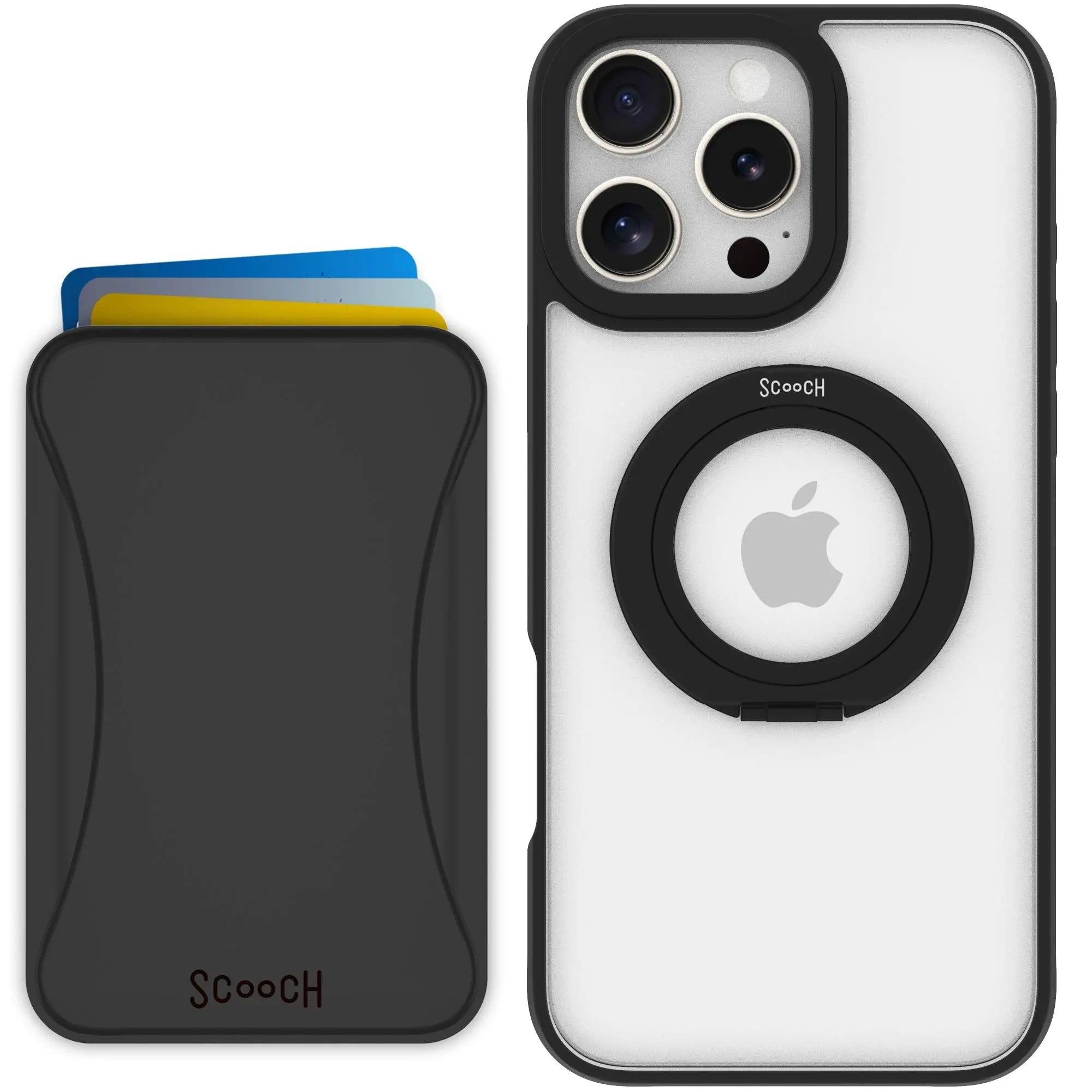
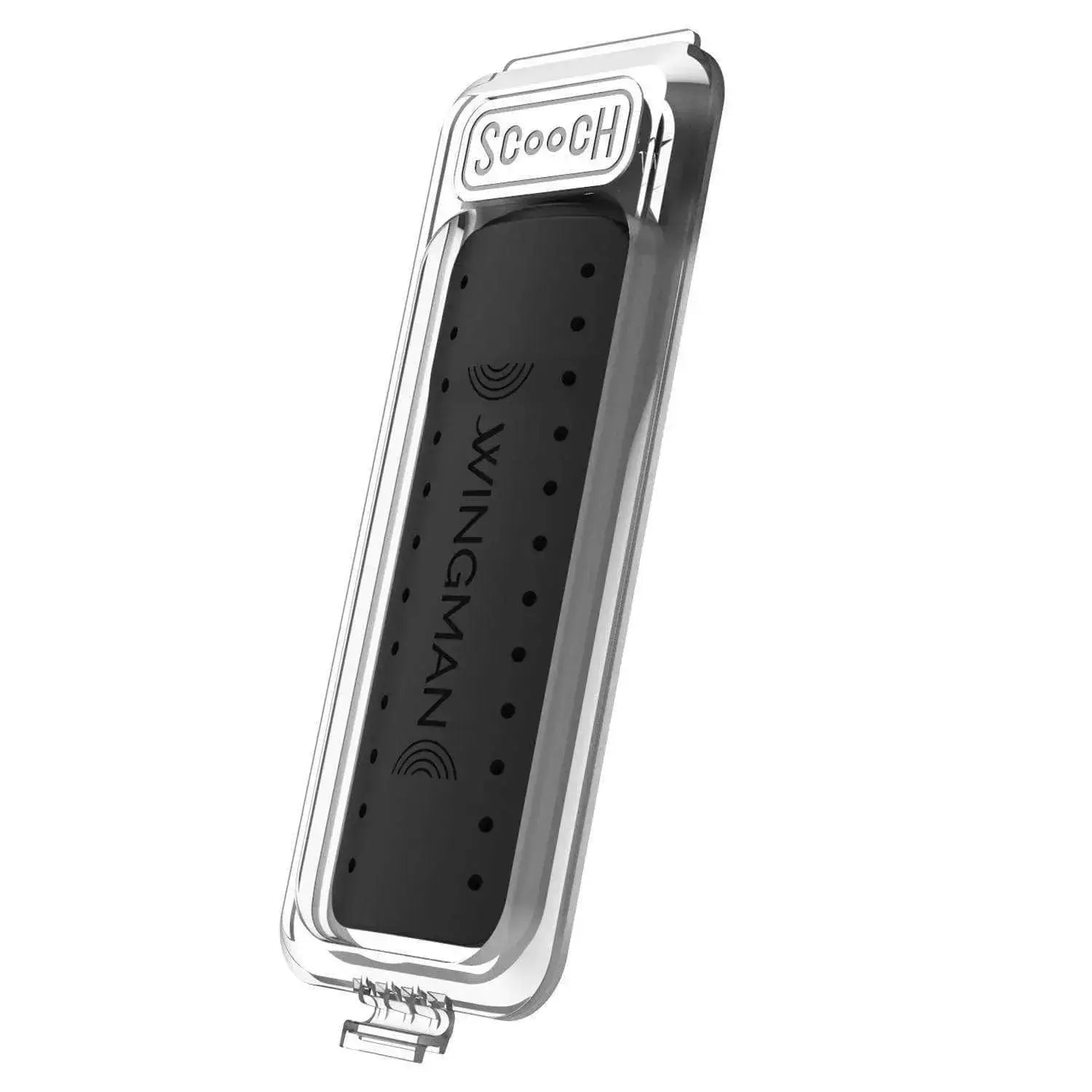
For Wingmount and RFID shielding, place the separate Wingmount Card in the backmost slot with its Scooch logo facing outward, then put payment cards in front. The card uses some slot space. See the Wingmount Card setup guide.
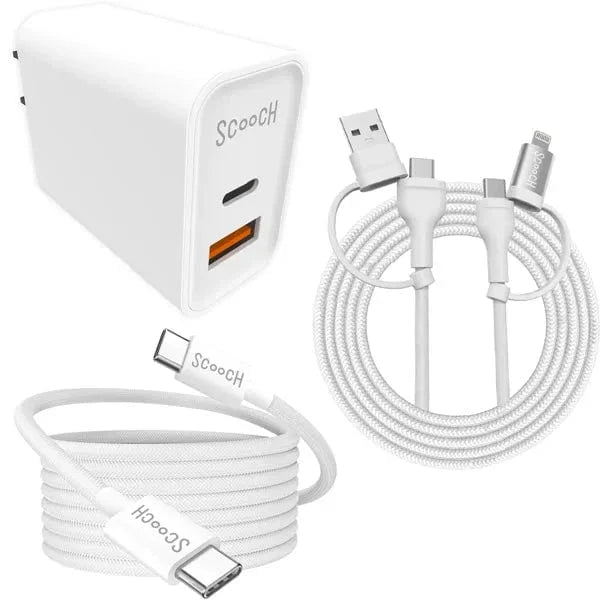
Moneymate cannot charge wirelessly while installed; cable charging works with the case on.